
How to Choose a Game Server Host: 8 Things to Check Before You Pay
Dozens of companies will rent you a game server, and their plans look alike. Here are the eight things to check before you pay, and how to check each one yourself.
Most games worth playing for years let you run your own server. That is the good news. The harder part is that dozens of companies will rent you one, their plans look alike, and every one of them says it is the fastest.
We have hosted game servers since 2017, so we have a side in this. We have also seen what goes wrong when someone picks a host on price alone. This guide lists the eight things we would check before paying anyone, including us, and how to check each one yourself.
Start with your game and your group
Before you compare hosts, write down three things:
- The game, and how you will play it. A vanilla Minecraft world for five friends needs little. A 200-mod pack, a busy Rust server or an ARK cluster needs far more.
- How many people will be online at once. Count the players on a busy evening, and leave out the total who might ever join.
- Where those players live. One city, one continent, or spread across the world.
Every check below depends on those answers. A host that suits a Rust community of 100 can be the wrong choice for a Valheim server shared by four friends.
Game host, VPS or your own PC?
You have three ways to run a server:
| Option | What you get | Best for |
|---|---|---|
| Game server host | The game installed for you, a control panel, backups, DDoS protection and support | Most players and communities |
| VPS or dedicated machine | A bare Linux or Windows machine that you set up, secure and update yourself | People who enjoy system administration |
| Your own PC | No monthly bill, but the server is online only while your PC is, on your home connection | A short session with friends |
The rest of this guide is about the first option, since that is where most people end up.
1. Server locations and latency

Latency, or ping, is the time a signal takes to travel from a player to the server and back. Distance is the biggest part of it, and no hardware can make up for a server on the wrong continent.
As a rule of thumb, under 60 ms feels instant, up to 100 ms is fine for most games, and above 150 ms players start to notice hits that do not land and doors that open late. Fast shooters are less forgiving than building games.
How to check:
- Look for a data center in the region where most of your players live. A host with one location in each of three continents serves a spread-out group better than one with five locations in a single country.
- Ask whether you can move your server to another location later, and whether your world moves with it.
- Test before you buy. A good host publishes test addresses or a ping tool. Ours is on the home page, and it measures your ping to each data center from your browser.
2. Hardware, and whether you get what you pay for
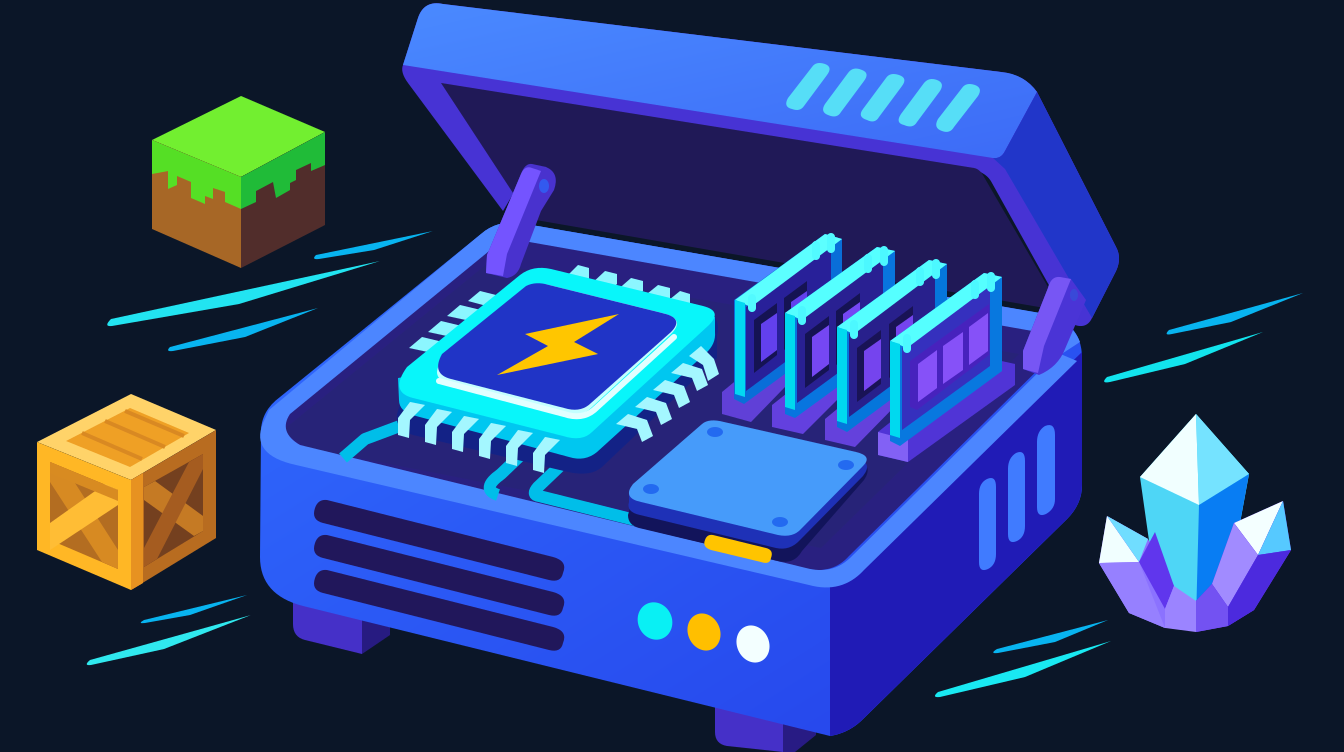
Most game servers do their main work on a single processor thread. That makes the speed of one core matter more than the number of cores. A plan on an older 3 GHz server chip will run the same world worse than a plan on a current 5 GHz one, even with the same amount of RAM on the price list.
Three parts decide how a server performs:
- Processor. Ask for the exact model. "Enterprise CPU" tells you nothing. A recent AMD Ryzen or EPYC, or a recent Intel Core, is a good sign.
- Memory. RAM decides how big your world, your mod list and your player count can get. See what the game's developer recommends, then leave some room on top.
- Storage. NVMe drives load worlds, write saves and take backups several times faster than older SATA drives.
Watch for overselling. A host can put more customers on a machine than it can serve at busy times. Your server then lags at 8 pm for reasons that have nothing to do with you. No price list will show you this, so read reviews for complaints about evening lag, and ask the host how it limits the number of servers on each machine.
For reference, our own answer to these questions is on the hardware page: AMD EPYC and Ryzen processors up to 5.7 GHz, DDR5 memory and NVMe storage. Hold any host you look at to the same level of detail.
3. The control panel

The control panel is where you spend your time after day one. You will use it to restart the server, change settings, install mods and restore a backup when something breaks at midnight.
A panel worth having gives you:
- A live console, so you can see what the server is doing and type commands.
- A file manager and SFTP access to every file. A host that only lets you change settings through a short web form is locking you out of your own server.
- One-click installs for the mods, plugins or modpacks your game uses.
- Scheduled restarts and backups.
- Accounts for friends or staff, with limits on what each of them can do.
How to check: look for a live demo or a full set of screenshots before you buy. If a host hides its panel until after you pay, treat that as a warning. You can try ours on the control panel page without an account.
4. Support for your game and your mods
A host listing your game is the start. The details decide whether you can play the way you want:
- The exact edition. Minecraft Java and Bedrock are different servers. So are the Steam and console versions of several games.
- Mods. Check for the loader you need: Paper, Forge, Fabric or NeoForge for Minecraft, Oxide or Carbon for Rust, the Steam Workshop for many others.
- Crossplay. If your group mixes PC and console players, confirm the host supports it for that game.
- Switching games. Groups move on. Some hosts let you swap the game on your plan without buying a new one.
5. DDoS protection and backups
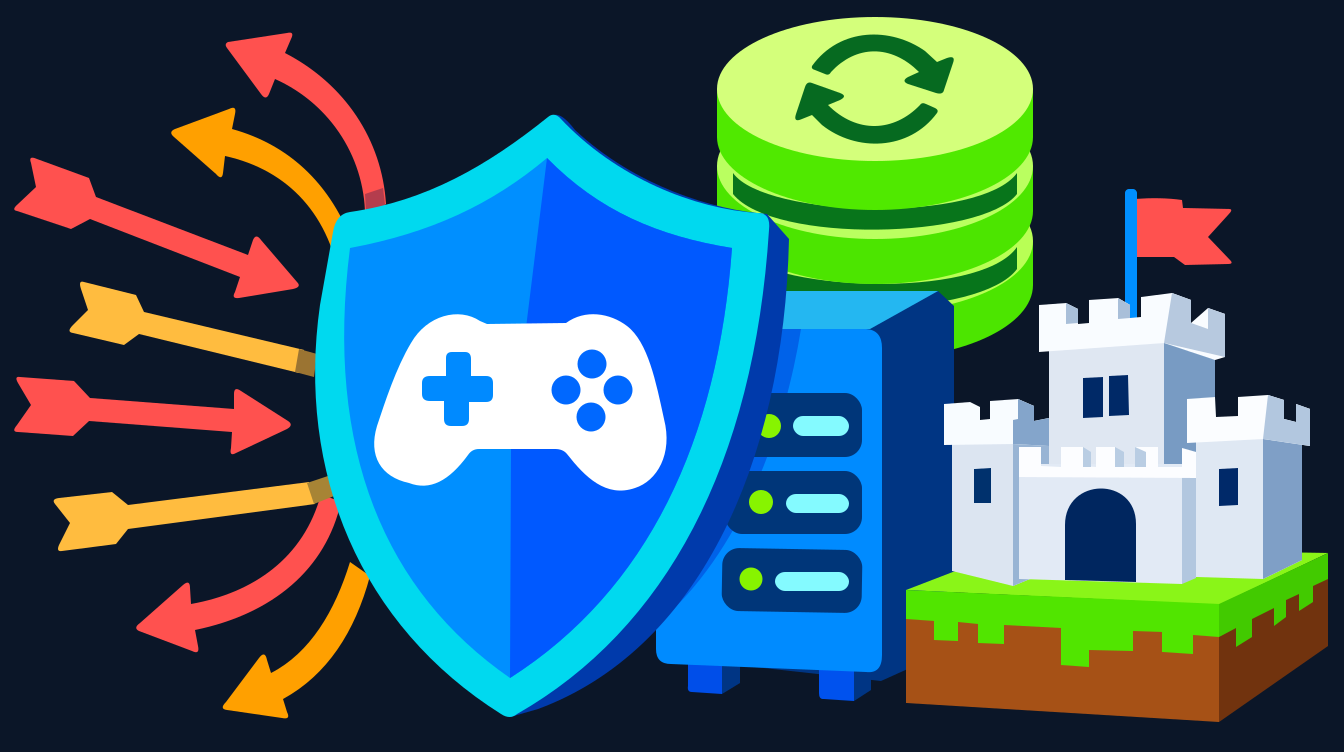
A DDoS attack floods a server with junk traffic until real players cannot connect. Game servers are common targets, often for petty reasons such as a banned player holding a grudge. Protection should be included in every plan and switched on all the time. If a host sells it as an extra, add that to the price when you compare.
Backups matter as much. Worlds get corrupted, updates break mods, and sooner or later someone with too many permissions deletes the wrong thing.
What to ask:
- Are backups automatic, and how often do they run?
- How many are kept, and for how long?
- Can you download a backup to your own computer?
- Can you restore one yourself, in a click, without opening a ticket?
Turn on two-factor authentication for your account as well, if the host offers it. A stolen password is a far more common way to lose a server than an attack.
6. Uptime, and what happens when hardware fails
Nearly every host advertises 99.9% uptime. The figure is easy to print and hard to verify, so ask better questions:
- Does the host publish a status page with a history of past incidents? An empty history on a company that is years old deserves doubt.
- When a physical machine fails, what happens to your server? On many hosts it stays offline until a technician repairs the machine. On others it starts again on a different machine automatically.
- Does the host own its hardware, or rent it from another company? A host that rents has to wait for its supplier when something breaks.
We built RAMShard around this question. We own most of the machines our servers run on, and if one fails, your server starts on another node by itself.
7. Support and refunds

You will need support at the worst moment: a broken update an hour before your community's event, at a time when most offices are closed. Check three things:
- Hours. Game servers are busiest in the evening and at weekends. Support should be open 24 hours a day.
- Who answers. People who know the games give different answers from a general call center. Send a question before you buy, such as "can I run this modpack on your 6 GB plan?", and see how long the reply takes and whether it helps.
- The refund policy. Read the terms. Many hosts offer a refund only within a day or two, or only if you have used the server for less than a set number of hours. A host that refunds without a fight is a host that expects you to stay.
Our own policy is short: if you are not satisfied, tell us and we refund you, whatever the reason.
8. Price, and what the price leaves out
Most game servers cost between A$7.43 AUD and A$44.57 AUD a month, and large modded or high-population servers cost more. Hosts charge in two main ways: by the amount of RAM, or by the number of player slots. RAM pricing is easier to compare, because a slot limit often hides a low memory limit behind it.
Before you compare two prices, check what each one includes:
- The price after the first month. A large first-month discount is common. Look at what you will pay from month two.
- Add-ons. DDoS protection, backups, extra storage, a dedicated IP address and mod installs are free on some hosts and paid on others.
- Billing cycles. Paying for three or twelve months usually costs less per month. Start monthly until you trust the host.
- Upgrades. You should be able to move to a bigger plan in a few clicks, keep your world, and pay only the difference.
The cheapest plan is rarely the cheapest server. A plan that lags every evening costs you the players you set it up for.
One more check: can you leave?

Few buying guides mention this one, and it matters most to us.
We started RAMShard because of the games we grew up with and can no longer play. Some lost their servers. Some changed until the version we loved was gone. Each time, the players had no say. A server you run yourself is the answer to that: your mods, your settings, your rules. You can read the whole story on our about page.
That only holds if the world stays yours. So before you choose a host, ask:
- Can you download every file of your server, world and settings included, at any time?
- Are the saves in the game's standard format, so they run on another host or on your own PC?
- Is there a cancellation fee, or a contract longer than the period you paid for?
No game should be locked to one host, and that includes us. A good host keeps you because the service is good.
A checklist to take with you
| Check | What good looks like |
|---|---|
| Location | A data center in your players' region, and a ping test you can run before you buy |
| Processor | A named, recent model with high single-core speed |
| Storage | NVMe |
| Overselling | A clear answer on how many servers share a machine, and no reviews about evening lag |
| Control panel | Live console, full file access, one-click mod installs, a demo you can try |
| Your game | The right edition, your mod loader, crossplay if you need it |
| DDoS protection | Always on and included in the price |
| Backups | Automatic, downloadable, and restored by you in a click |
| Hardware failure | The server restarts on another machine automatically |
| Support | 24 hours a day, from people who know the game |
| Refunds | Simple terms and no usage limits in the small print |
| Price | Clear from month two, with no paid add-ons for basics |
| Leaving | Every file downloadable, in the game's own format |
Frequently asked questions
How much does game server hosting cost?
A small server for a few friends starts at about A$7.43 AUD to A$14.86 AUD a month for most games. Heavily modded servers and servers for 50 or more players usually cost A$29.71 AUD to A$89.14 AUD. The game matters: ARK and modded Minecraft need much more memory than Terraria or Valheim.
Is it cheaper to host a server on my own PC?
It costs no monthly fee, but the server is only online while your PC is on, it shares your PC's memory with the game you are playing, and your home connection handles every player's traffic. Hosting at home also means giving players your home IP address. For a server that friends can join at any time, a hosted server is the better deal.
How much RAM do I need?
It depends on the game, the mods and the number of players. Use the developer's recommendation for a dedicated server as your starting point, then pick a host that lets you upgrade without losing your world. That way a wrong guess costs you a few dollars and five minutes.
Can I move my server to another host later?
Yes, if your current host gives you full file access. Download the world and configuration files, upload them to the new server, and start it. This is the reason to check file access before you buy.
Which location should I choose?
Choose the data center closest to most of your players. Your own distance matters less than theirs. If your group is split between two continents, pick a location between them, such as the east coast of North America for players in the United States and Europe.
The short version
Pick the game and count your players first. Then check, in this order: a location near your players, a named modern processor, a panel you have tried, protection and backups included in the price, support that answers at night, and a clear way to leave with your world. A host that does well on all of them is worth a few dollars more than one that does well on price alone.
If you would like to see how we measure up, test your ping to our data centers, try the control panel, and read what our customers say.