


- Survival
- Early access
- PvP and PvE
- Steam version
DucksideServer Hosting
Give your flock its own corner of the archipelago. You name the server, lock it with a password if you like, choose how much of the map allows PvP, and keep it online around the clock for 10, 30 or 60 ducks.
- Instant setup
- DDoS protection
- 24/7 support
- Full file access
- NVMe SSD storage
- 3 day money-back
Starting at A$11.87 AUD/month
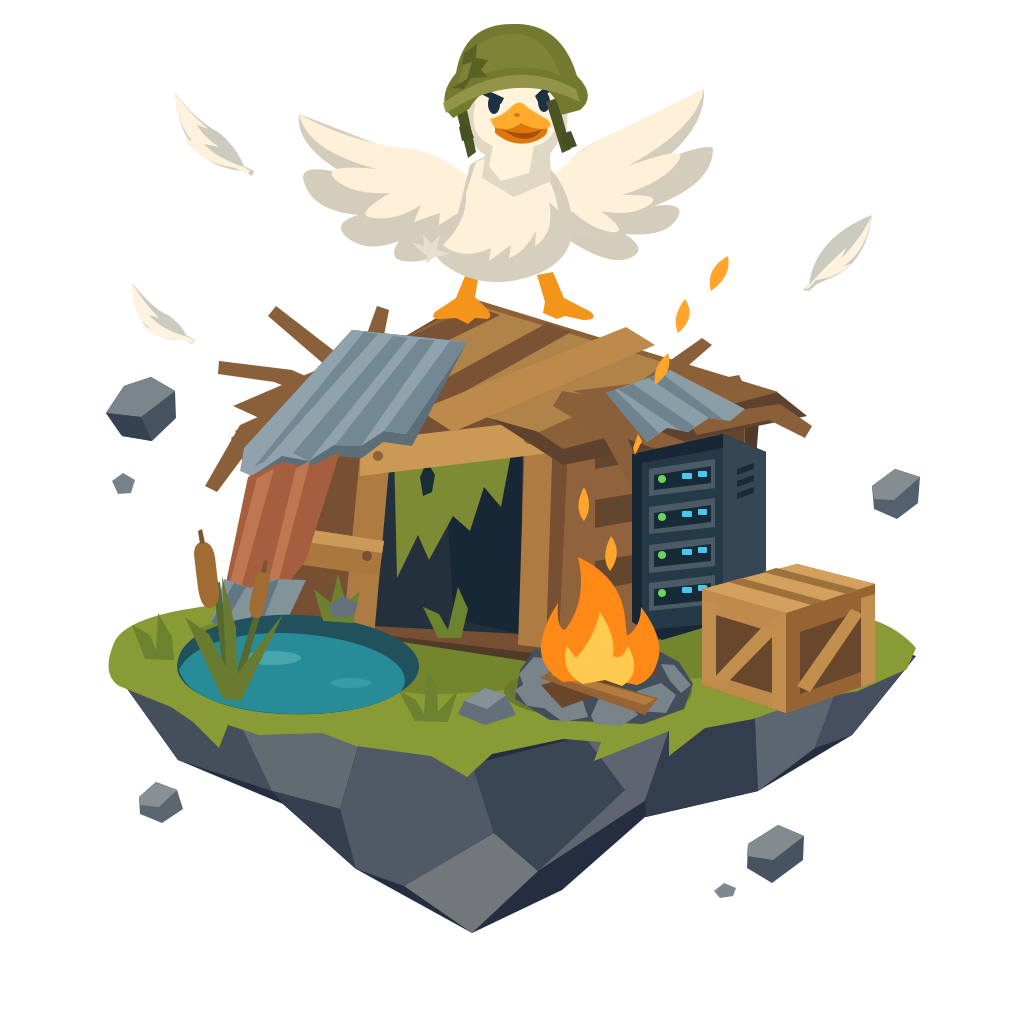
Pick the size of your flock
Server location
Nearest to you
- Common

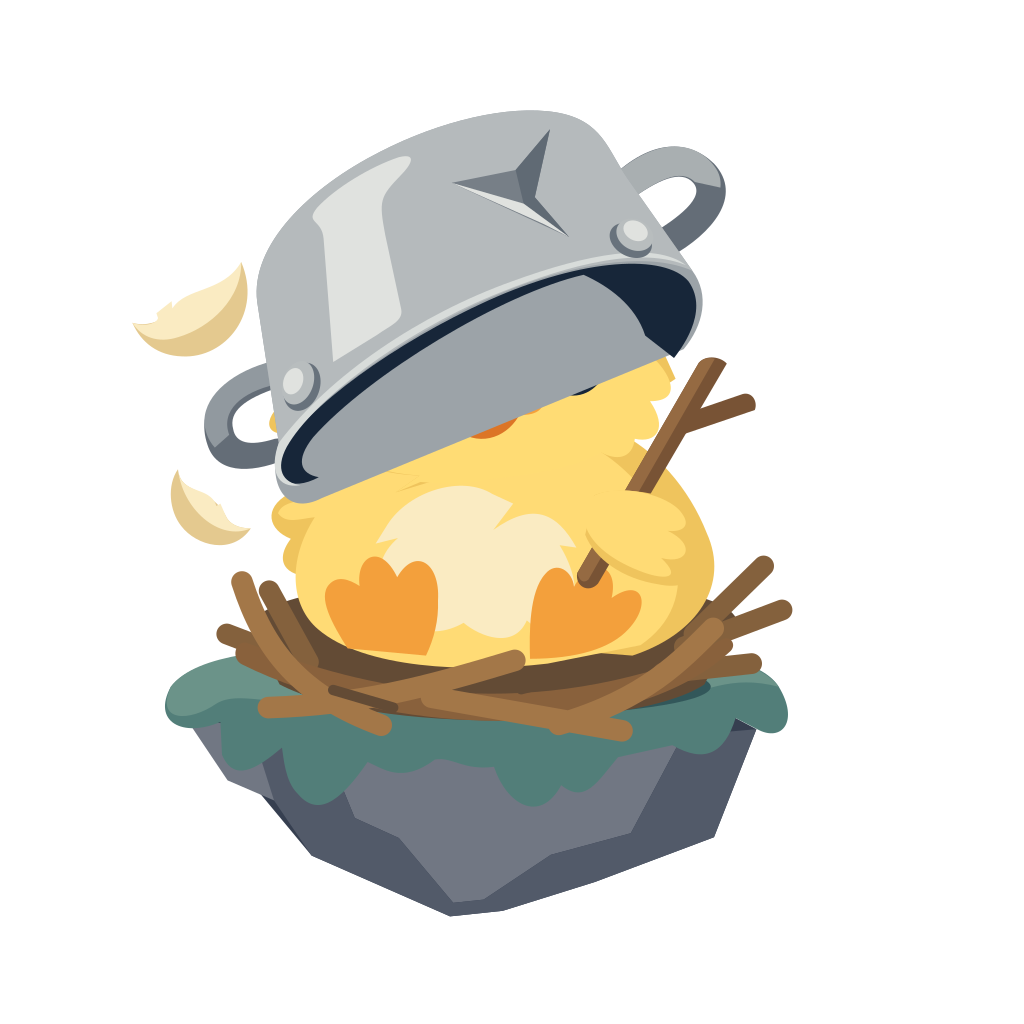
- Most popular
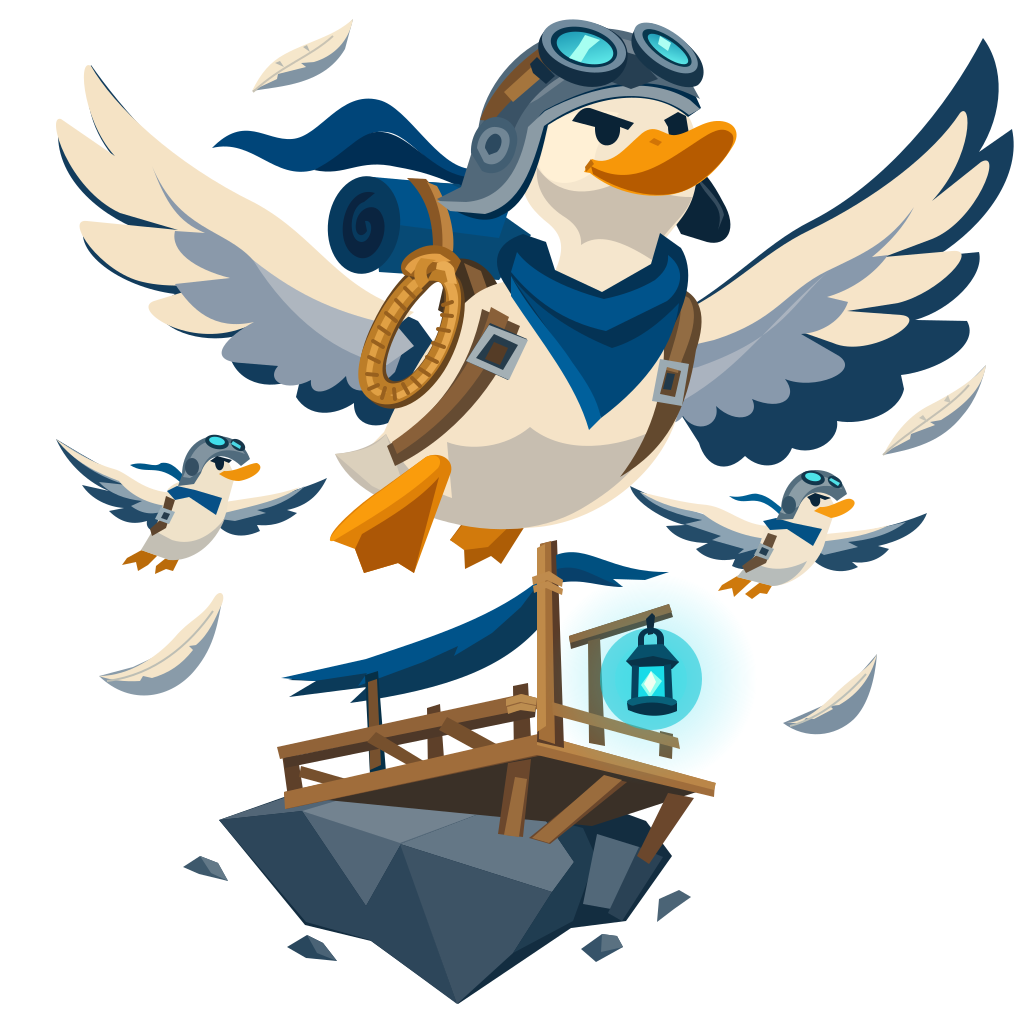
- Best value


Secure and trusted payments
Server locations around the world
Pick the location closest to your players for the lowest latency. Test your ping from this browser to each of our data centers and see the hardware behind every one.
- Locations
- 16+
- Top CPU clock
- 5.7 GHz
- Support
- 24/7

North America
Virginia
Your ping
- Processor
- AMD EPYC 4465P
- Max clock
- 5.40 GHz
- Memory
- DDR5
- Network port
- 1-10 Gbps
Your ping
Your ping test starts in a moment.
North America
South America
Europe
Asia Pacific
Everything Your Duckside Server Needs
Duckside server hosting for flocks of every size, on fast hardware and a protected network, with a team on call. Every plan includes all of it.
Network
Always-on DDoS Protection
The only raids your flock should face are the ones other ducks fly in. Attack traffic is filtered out before it reaches your server, on every plan, all the time.
Hardware
NVMe SSDs
A Duckside world is persistent: every nest, stash and workbench your players build stays on the map. NVMe drives write that growing world to disk quickly.
Hardware
AMD Ryzen and EPYC Processors
Ducks cross the map fast, and a firefight can start in the air at any moment. Our AMD processors reach clock speeds of up to 5.7 GHz.
Support
Support Around the Clock
Server missing from the list, or a setting that did not take? Ask us by ticket or live chat at any hour, or follow the step-by-step guides for the common jobs.
Panel
Automatic Tasks
Schedule a restart for the quiet hours before your flock logs on, and repeat it on an interval. Set it once and the panel keeps doing it.
Panel
Share the Controls With Your Flock
Running a server alone gets old. Hand the ducks you trust their own control panel access, limited to the jobs you pick, so a restart or a settings change does not wait for you.
Network
Automatic Failover
When a machine fails, we start your server again on a healthy one. Nobody has to open a ticket first, and your flock gets back to its nests sooner.
Network
Low Latency Routes
Hitting a duck in flight while you are flying too leaves little room for lag. We control the routes your players' traffic takes and tune them for performance. Pick the location nearest your flock.
Dedicated servers
Why rent your own Duckside dedicated server?
tinyBuild's official servers are open to every duck who owns the game, and they run on tinyBuild's rules and wipe calendar. A Duckside dedicated server of your own puts you in charge. You name it, decide who gets in and set how much of the map allows PvP.
Your flock, your guest list
Set a server password and only the ducks who know it can join. Leave it off and anyone can find your server by name in the game's server list.
PvP on your terms
Duckside's PvE mode keeps fights between players inside the central area of the map. Switch it on for a calmer server, or leave the whole archipelago open to PvP.
Admin tools inside the game
As the server's admin you open the admin menu with F10. Its player list lets you promote moderators and ban the ducks who spoil the fun.
About the game
Fly, build and raid across the Duckside archipelago
Duckside is tinyBuild's persistent world survival shooter in which every player is a duck with a gun. It is in early access on Steam. A private server gives your flock one map to gather on, build on and fight over.
How to set up a Duckside server
- Pick the plan that fits your flock: 10, 30 or 60 players.
- Choose the data center closest to where your players live.
- Pay, and we create the server for you.
- In the control panel, give the server a name and add your SteamID64 as its admin.
- Start it, and tell your flock the name to search for.
Joining your Duckside server from the game menu
- Open Duckside and choose Join Server on the main menu.
- Type your server's name in the search field.
- Select your server in the results and join it. Enter the password if you set one.
The search finds a server by its name, so give yours a name nobody else is likely to use.
Admins, moderators and bans
The admin is the player whose SteamID64 is in the server's settings. A SteamID64 is a 17 digit number that starts with 765.
- Join your server as the admin.
- Press F10 to open the admin menu.
- Open Players and select a player.
- Choose Make Moderator to give them moderator rights, or Ban to remove them from the server.
How to make your server PvE or password protected
Both are server settings.
- Shut the server down first.
- Set a server password to keep strangers out.
- Switch on PvE mode to limit PvP to the central area of the map.
- Boot the server again. Your changes apply once it has restarted.
Combat on the wing
Ducks glide, hover, accelerate and dive, and they can shoot while doing any of it. A fight that starts on the ground can finish above the treetops.
Nests worth defending
Harvest resources, craft tools and weapons, and build a nest to keep your loot in. Every structure can be destroyed and every stash raided, so strong walls and teammates count.
Islands to explore
The archipelago has desert and arctic biomes, with monuments and other points of interest to loot. Play alone, or form a flock and cover more of it together.
What our customers say
We’re rated excellent or 4.3/5.0 based on over 435+ reviews at
- June 14th
Great host! “ I've been with this host for a little over 7 months now. Support is given almost instantly. Max I ever waited was 30(ish) minutes. ”
- Daniel Ramirez
- May 20th
Excellent and easy to use host “ Excellent service, really quick and easy to set up with lots of options and systems that really take the hassle out of hosting a server. ”
- Reece Cooper
- May 5th
I LOVE using RAMShard! “ I very much LOVE using RAMShard. It's efficient, easy to use, and the staff is extremely helpful! ”
- Cole Spencer
Looking for more customer reviews?
Read More »FAQ
Have your own question? Ask us.
Each plan is sized for a player count: Duckling for up to 10, Flock for up to 30 and Archipelago for up to 60. Move to a bigger plan when your flock outgrows the one it is on.
Console players cannot join these servers. Duckside's crossplay connects PlayStation 5 and Xbox Series X|S players with each other, and the PC version stays separate. Our plans host the PC version, which your players get on Steam.
Choose Join Server on the game's main menu, type your server's name in the search field and select it in the results. If you set a password, the game asks for it before you connect.
Yes. Set a server password in the server's settings and share it only with your flock. As admin you can also ban any player who gets in and causes trouble.
Yes. A Duckside server has a PvE mode setting. With it on, players can only fight each other in the central area of the map. With it off, PvP applies across the whole archipelago.
Add your SteamID64 to the admin setting of your server and restart it. Then join the server and press F10 to open the admin menu, where you can make other players moderators or ban them.
Duckside has no Steam Workshop, and we know of no mod tools from tinyBuild. The weapon mods you find in the game are attachments, such as a silencer, an extended magazine and a scope.
tinyBuild introduced community servers through hosting providers when Duckside entered early access, and we have found no official server download for home use. Renting is the way to get one: your server lives in a data center, stays online around the clock, and you run it from a control panel in your browser.
Choose by how many ducks you expect online at the same time. Duckling suits a small group of friends, Flock suits a community of up to 30, and Archipelago holds up to 60 with the most memory. Archipelago also costs the least per player.
Yes. Our support team answers by ticket and live chat at any hour, and the knowledge base walks you through the common jobs step by step.
Every order has a 3 day money back guarantee. Contact us within 3 days of payment and we refund you in full.
Visa, Mastercard, American Express, PayPal, Apple Pay, Google Pay and Link.
Need a different game?
Choose from our list of games below.



