


- Survival
- PC on Steam
- Steam Workshop mods
- Chernarus and Livonia
DayZServer Hosting
Run a DayZ server where you set the terms of survival. Choose the map, the loot and the mods, lock it to your group or open it to all comers, and keep it online around the clock for 8 players or more than 40.
- Instant setup
- DDoS protection
- 24/7 support
- Full file access
- NVMe SSD storage
- 3 day money-back
Starting at $19.99 USD/month
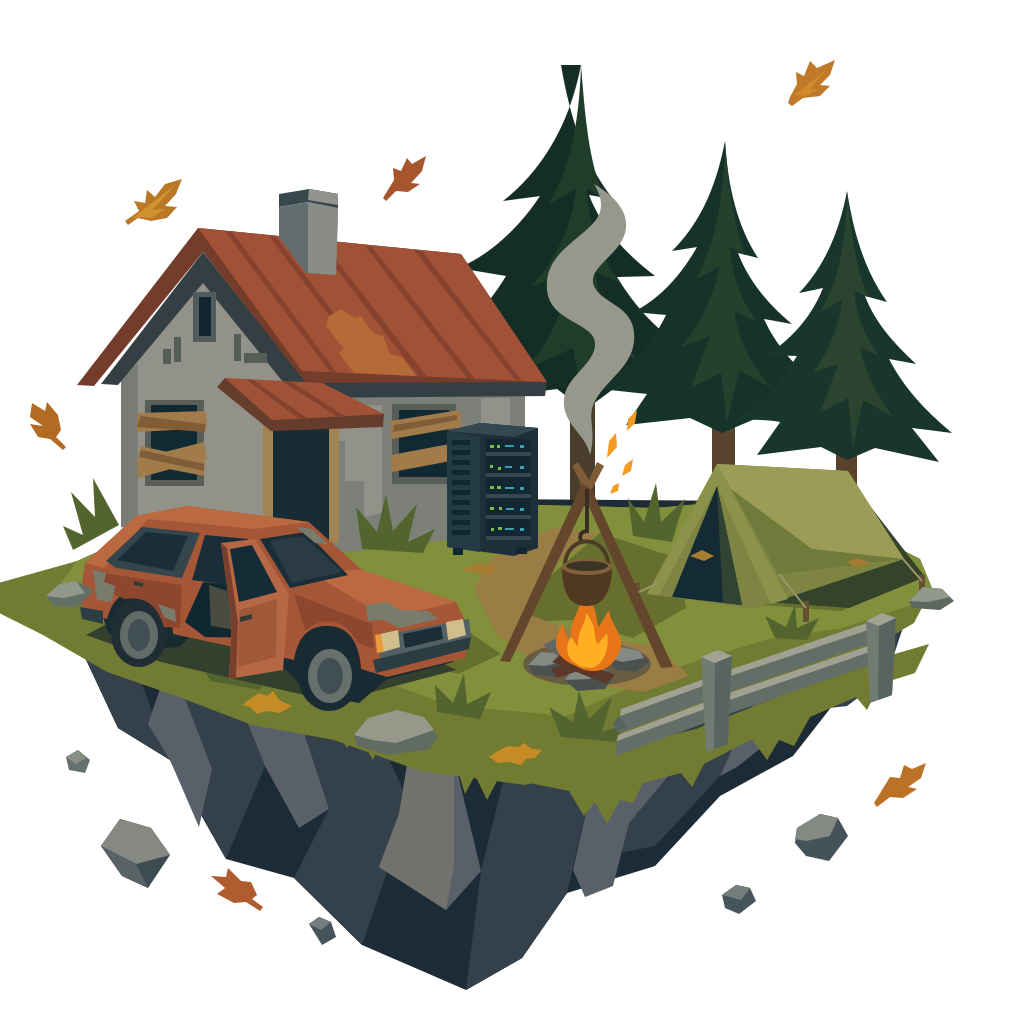
Choose your plan
Server location
Nearest to you
- Common
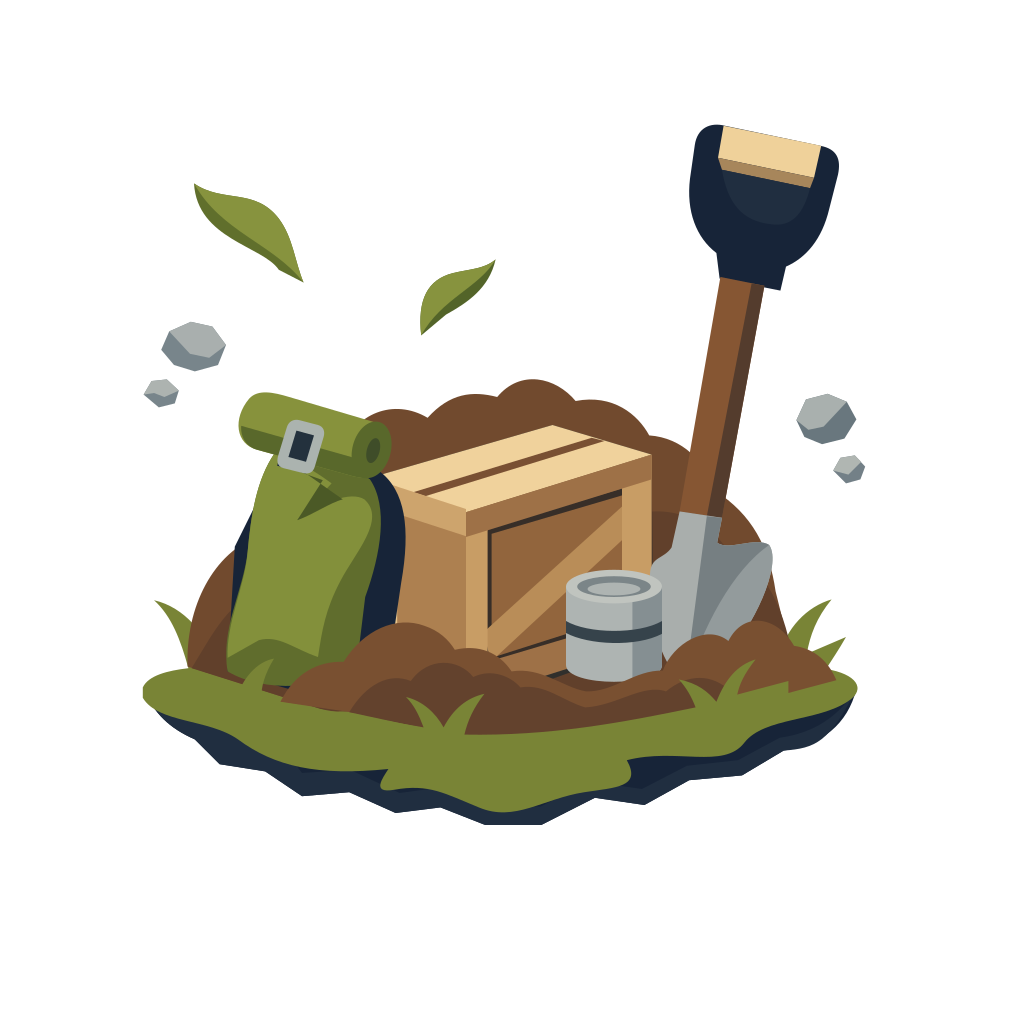
- Most popular
- Best value
Secure and trusted payments
Server locations around the world
Pick the location closest to your players for the lowest latency. Test your ping from this browser to each of our data centers and see the hardware behind every one.
- Locations
- 16+
- Top CPU clock
- 5.7 GHz
- Support
- 24/7

North America
Virginia
Your ping
- Processor
- AMD EPYC 4465P
- Max clock
- 5.40 GHz
- Memory
- DDR5
- Network port
- 1-10 Gbps
Your ping
Your ping test starts in a moment.
North America
South America
Europe
Asia Pacific
What Every DayZ Server Plan Includes
With DayZ server hosting, your players' characters and bases live on the server between sessions. Every plan protects them with fast hardware, a filtered network and a team on call.
Network
Always-on DDoS Protection
In DayZ a dropped connection in the middle of a firefight can get a character killed. We filter attack traffic before it reaches your server. Every plan includes the protection, and it stays switched on.
Hardware
NVMe SSDs
DayZ remembers every tent, buried stash, parked car and base wall, and saves them to disk while the server runs. NVMe drives get through those saves quickly, which keeps a busy server from hitching.
Hardware
AMD Ryzen and EPYC Processors
The infected, the loot and every survivor across 230 square kilometres of Chernarus all run on the server. The AMD processors behind yours clock up to 5.7 GHz.
Support
Support Around the Clock
A mod that kicks players as they join, or a server missing from the browser? Ask our team by ticket or live chat at any hour, or follow a step-by-step guide for the common jobs.
Panel
Automatic Tasks
Put your DayZ server's restarts on a timetable your survivors can plan around. Schedule each one with an announcement a few minutes ahead, so nobody is caught mid-fight, and the panel runs them from then on.
Panel
Hand Access to Your Admins
Add the people who help you run the server to the control panel. They can restart it or adjust a setting while you are offline, and you decide how much each one may touch.
Network
Automatic Failover
When a machine fails, your server starts again on a healthy one without anyone raising a ticket. Your survivors reconnect and carry on.
Network
Low Latency Routes
Lag turns a gunfight into a coin toss and makes every swing at the infected a guess. Your players' traffic travels over routes we control and tune for performance. Choose the location closest to your group for the lowest ping.
Dedicated servers
Why rent a DayZ dedicated server of your own?
On a public server you live by somebody else's choices: their loot tables, their restart times, their mods and their admins. A DayZ dedicated server of your own hands those choices to you, and it stays online whether or not you are playing.
Your choice of map
Chernarus and Livonia come with the base game, at 230 and 168 square kilometres. Sakhal, the map from the Frostline expansion, is a third choice for a group whose members all own it.
Your loot and rules
DayZ keeps its loot economy in files you can edit, such as types.xml for what spawns and how much of it. Switch third person off or speed up the day and night cycle in serverDZ.cfg, and adjust stamina and base building in cfggameplay.json.
Your players
Set a password for a private group, turn on the whitelist for a roleplay community, or leave the door open. You choose who the admins are.
Mods and maps
Modded DayZ server hosting with Steam Workshop mods
DayZ puts you on a coastline with almost nothing. You scavenge food and gear, fight off the infected and illness, and decide whether each stranger is a friend or a threat. Mods from the Steam Workshop reshape that struggle, and your server can load them.
Set up a DayZ server in five steps
- Choose a plan sized for your group.
- Pick the location closest to where most of you live.
- Pay, and we build the server for you.
- With full file access, open
serverDZ.cfg. Sethostnameto the name you want in the server browser andmaxPlayersto your player limit. - Start the server and look for its name in the server list.
Connect to your DayZ server
- Start the DayZ Launcher from Steam.
- Open its server list and search for your server's name.
- Select the server and join. If it runs mods, load the same mods first.
Add Workshop mods to your server
- Subscribe to the mod on the Steam Workshop and let it download.
- Stop the server and upload the mod's folder, for example
@ModName, to the server's main folder. - Copy the
.bikeyfile from the mod'skeysfolder into the server'skeysfolder. - Add the folder name to the server's
-mod=launch parameter. Separate several mods with semicolons. - Start the server again.
Some mods also need changes in the mission folder, such as new entries in types.xml. The mod's Workshop page says which.
Switch maps, set a password, name an admin
All three live in serverDZ.cfg. Stop the server before you edit it.
- Map. The
templateline names the map:dayzOffline.chernarusplusfor Chernarus,dayzOffline.enochfor Livonia ordayzOffline.sakhalfor Sakhal. - Password. Set
passwordand only people who know it can join. - Admin. Set
passwordAdmin, the password an admin logs in with once in the game.
Workshop mods
DayZ supports mods through the Steam Workshop. Communities use them to change what the vanilla game offers, from extra gear to whole new maps.
Everyone loads the same mods
A DayZ mod runs on the server and on each player's PC. The server checks every player's files against its keys, so your players need the same mods before they can join.
Vanilla with your own settings
A server with no mods can still play differently. Loot, time, stamina and base building are all set in the server's own files, and players join with the normal game.
What our customers say
We’re rated excellent or 4.3/5.0 based on over 435+ reviews at
- June 14th
Great host! “ I've been with this host for a little over 7 months now. Support is given almost instantly. Max I ever waited was 30(ish) minutes. ”
- Daniel Ramirez
- May 20th
Excellent and easy to use host “ Excellent service, really quick and easy to set up with lots of options and systems that really take the hassle out of hosting a server. ”
- Reece Cooper
- May 5th
I LOVE using RAMShard! “ I very much LOVE using RAMShard. It's efficient, easy to use, and the staff is extremely helpful! ”
- Cole Spencer
Looking for more customer reviews?
Read More »FAQ
Have your own question? Ask us.
Bohemia's own description of DayZ puts up to 60 survivors on one server. Our plans are sized by group: Stash for up to 8 players, Shelter for up to 24 and Watchtower for 40 and more. Watchtower also has the most memory, which helps with a long mod list.
The plans and their monthly prices sit at the top of this page. Every price includes the server, DDoS protection and support, and there is no setup fee. Quarterly and annual billing bring the monthly cost down.
Yes. DayZ takes mods from the Steam Workshop, and full file access lets you upload a mod, copy its key and add it to the server's launch line. The steps are in the "Add Workshop mods to your server" panel on this page.
Yes. Each player needs the same mods the server runs, because the server checks their files against its keys and turns away anything that does not match. Players get the mods from the Steam Workshop and load them through the DayZ Launcher.
Chernarus and Livonia are part of the base game, so every DayZ owner can join them. Sakhal belongs to the Frostline expansion, and each player needs to own Frostline to join a server running it.
Yes. Loot comes from the central economy files in your server's mission folder. The main one, types.xml, lists each item with how many of it the map should hold, and you can edit it with full file access. Restart the server to apply a change.
Yes. Upload your serverDZ.cfg, your mods with their keys, and your mission folder. The mission folder holds your loot files, and its storage folder carries the saved world. Then start the server.
You can. Bohemia publishes the DayZ Server tool on Steam. Your PC then has to stay switched on for the server to be online, you forward the game port (2302 by default) on your router, and you update the server and its mods after each patch. A rented server sits in a data center, online day and night, and you manage it from your browser.
Yes. Support answers by ticket and live chat at any hour, and the knowledge base walks through the common jobs one step at a time.
We refund you in full under our 3 day money back guarantee. Contact us within 3 days of your payment.
Visa, Mastercard, American Express, PayPal, Apple Pay, Google Pay and Link.
Need a different game?
Choose from our list of games below.



