
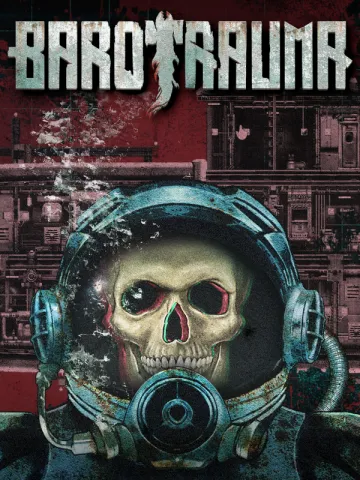

- Co-op submarine sim
- Up to 16 players
- Steam Workshop mods
- Windows, macOS and Linux
BarotraumaServer Hosting
Keep your submarine's campaign on a server that stays online after the captain logs off. Up to 16 crewmates join from Windows, macOS or Linux, with your Workshop mods, your rules and your say over who takes the helm.
- Instant setup
- DDoS protection
- 24/7 support
- Full file access
- NVMe SSD storage
- 3 day money-back
Starting at ¥955 JPY/month
Choose your plan
Server location
Nearest to you
- Common

- Most popular
- Best value
Secure and trusted payments
Server locations around the world
Pick the location closest to your players for the lowest latency. Test your ping from this browser to each of our data centers and see the hardware behind every one.
- Locations
- 16+
- Top CPU clock
- 5.7 GHz
- Support
- 24/7

North America
Virginia
Your ping
- Processor
- AMD EPYC 4465P
- Max clock
- 5.40 GHz
- Memory
- DDR5
- Network port
- 1-10 Gbps
Your ping
Your ping test starts in a moment.
North America
South America
Europe
Asia Pacific
Everything Your Barotrauma Server Needs
Barotrauma server hosting for crews who plan to finish the campaign: fast hardware, a protected network and a team on call. Every plan includes all of it.
Network
Always-on DDoS Protection
A campaign takes your crew weeks of evenings, and an outage in the middle of a dive ends the round for everyone aboard. We filter attack traffic before it reaches your server, on every plan, around the clock.
Hardware
NVMe SSDs
A campaign save holds the submarine, the cargo, the map and every crew member's character. NVMe drives write that save quickly, so the crew gets back to restocking the submarine sooner.
Hardware
AMD Ryzen and EPYC Processors
The server works out every flooding room, every wire and every creature outside the hull. Our AMD processors run at clock speeds of up to 5.7 GHz.
Support
Support Around the Clock
Mods that refuse to load, or a campaign save that will not show in the lobby? Ask our team by ticket or live chat at any hour, and follow our step-by-step guides for the common jobs.
Panel
Automatic Tasks
Schedule a restart for the hours when your crew is asleep, on any interval you like. Set the task once and the panel repeats it for you.
Panel
Bring In Your Officers
Give a co-captain access to the control panel, so someone can restart the server or change a setting on the nights you miss. You decide what each person may do.
Network
Automatic Failover
When a machine fails, your server starts again on a healthy one by itself. Your campaign carries on, and you have no ticket to write.
Network
Low Latency Routes
Steering, welding and firing the guns all pass through the server, and lag is worst in a corridor that is filling with water. We choose the routes your crew's traffic takes and tune them for performance. Host in the location nearest your crew for the lowest ping.
Always-on campaigns
Why rent a Barotrauma dedicated server?
Host a game from Barotrauma's menu and the server lives on your PC, so the round ends for the whole crew when you quit. A Barotrauma dedicated server runs without the game open, at any hour, and the campaign belongs to everyone aboard.
The dive starts without you
Give trusted crewmates the Moderator preset and they can start rounds and manage the campaign without you. The submarine, the cargo and the map stay on the server between sessions.
Up to 16 on one submarine
A server takes up to 16 players, which is the game's own limit, and bots can fill the empty stations. Windows, macOS and Linux players join the same crew through Steam.
Your submarine, your rules
Run a campaign, single missions, PvP or sandbox. Set a password, switch traitors and karma on or off, choose how respawns work, and decide who may kick, ban or change the settings.
Mods and submarines
Modded Barotrauma servers with Workshop mods and custom submarines
Barotrauma puts a crew inside a submarine beneath the ice of Jupiter's moon Europa and asks them to keep it alive. You steer, patch leaks, feed the reactor and shoot at whatever is scratching the hull. Mods add to all of it, and the game supports them through the Steam Workshop.
How to set up a Barotrauma server
- Pick the plan that matches the size of your crew.
- Choose the data center closest to your crew.
- Pay, and we build the server for you.
- In the control panel, give the server its name.
- Add yourself as an admin (see the last panel), then start the server.
- Join it, and choose the game mode and the submarine in the lobby.
How to connect to your Barotrauma server
- Open Barotrauma and go to the server browser.
- Search for your server's name and select it.
- Enter the password if you set one.
A server hidden from the public list will not show there. Use the direct join option and type the server's address and port, for example 203.0.113.10:27015. A hostname works as well as an IP address.
How to move a campaign to your server
On Windows, Barotrauma keeps multiplayer campaigns in %LocalAppData%\Daedalic Entertainment GmbH\Barotrauma\Multiplayer. Each campaign has two files: YourCampaign.save and YourCampaign_CharacterData.xml.
- Shut the server down.
- Upload both files to the server's multiplayer save folder. Ask our support team if you cannot find it.
- Start it again and join.
- Choose the campaign mode in the lobby and load your save.
How to add admins to a Barotrauma server
Barotrauma lists its admins in clientpermissions.xml, in the server's Data folder.
- Shut the server down first.
- Inside the
ClientPermissionselement, add a line such as<Client name="Name" steamid="76561198000000000" preset="Admin" />. Use the 17-digit SteamID64 of the player you are adding. - Start the server again.
The Moderator preset is a lighter choice: it covers rounds, the campaign and kicking players, and leaves out bans.
Built to be modded
The game ships with its own submarine and character editors, and players share what they build on the Steam Workshop. Your server can load those mods and submarines for the whole crew.
One mod list for everyone
A player who joins a modded Barotrauma server downloads its mods from the server. The whole crew runs the same versions, and nobody hunts for a mod list first.
Six jobs, one hull
Captain, engineer, mechanic, medic, security officer and assistant each have their own talent trees. In a campaign, the server keeps every character's progress with the save.
What our customers say
We’re rated excellent or 4.3/5.0 based on over 435+ reviews at
- June 14th
Great host! “ I've been with this host for a little over 7 months now. Support is given almost instantly. Max I ever waited was 30(ish) minutes. ”
- Daniel Ramirez
- May 20th
Excellent and easy to use host “ Excellent service, really quick and easy to set up with lots of options and systems that really take the hassle out of hosting a server. ”
- Reece Cooper
- May 5th
I LOVE using RAMShard! “ I very much LOVE using RAMShard. It's efficient, easy to use, and the staff is extremely helpful! ”
- Cole Spencer
Looking for more customer reviews?
Read More »FAQ
Have your own question? Ask us.
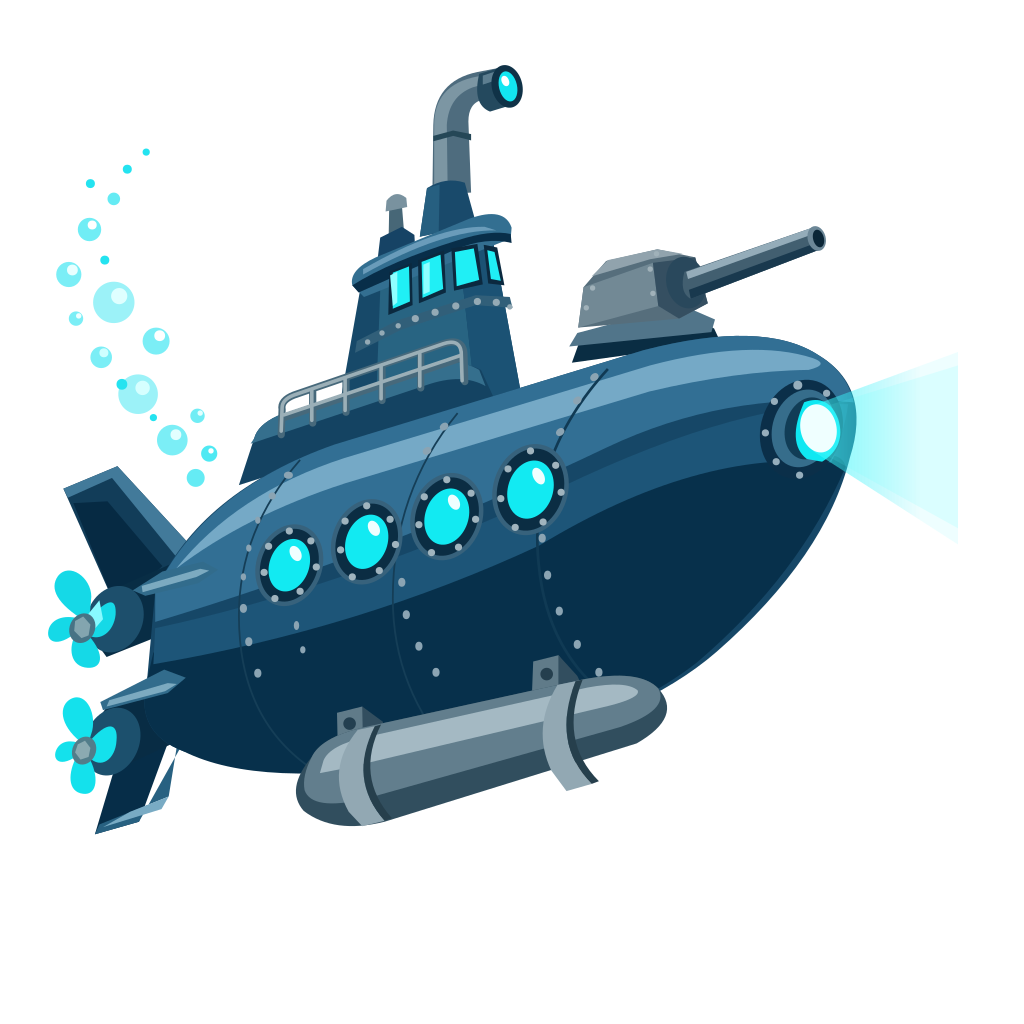
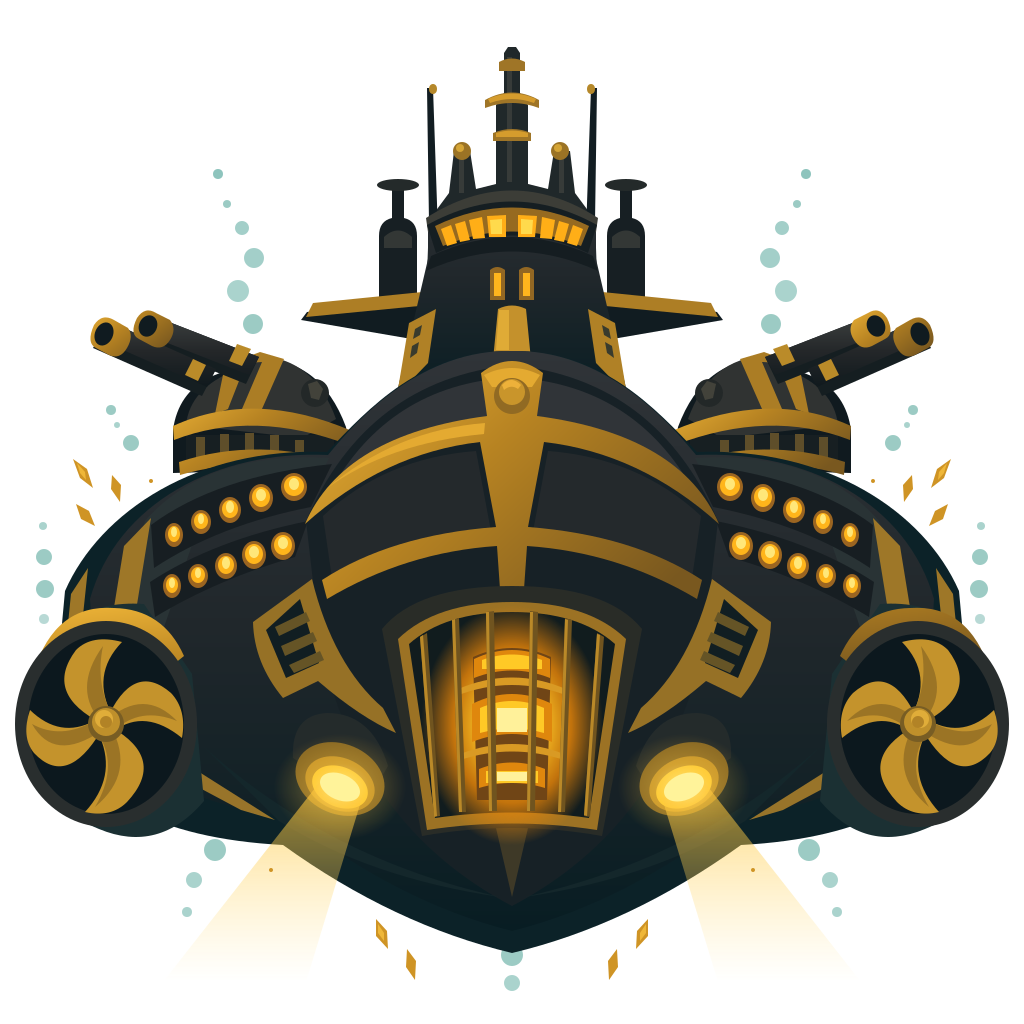
Sixteen at most, which is the limit the game sets. Dugong is sized for up to 4 players, Humpback for up to 8 and Typhon for the full 16. Bots can crew the stations your players leave empty. You can move to a larger plan later and keep your campaign.
Windows, macOS and Linux players all join the same server through Steam. The developers switched off crossplay with the Epic Games Store version when the game left that store, so each of your crew needs the game on Steam.
You can. Barotrauma comes with a dedicated server program, and you can also host straight from the game's menu. Your PC then has to stay on for the crew to play, and you forward ports 27015 and 27016 on your router. A rented server runs in a data center around the clock, and you manage it from a control panel in your browser.
Open the server browser in Barotrauma and search for your server's name. You can also use direct join and type the server's address and port. If you set a password, the game asks for it before you reach the lobby.
Yes. A Barotrauma dedicated server loads Workshop mods and player-made submarines, and you have full access to the server's files to add them.
No. When a player joins, the game downloads the server's mods from the server itself. That holds as long as file transfers stay switched on in the server's settings, which is the default.
Yes. Set a password and only players who know it can get in. You can also hide the server from the public list, so your crew joins by its address. The server can ban a player who enters the wrong password too many times.
Yes. A multiplayer campaign is two files on the PC that hosted it: the save and its character data. Upload both to your server and load the campaign from the lobby. The steps are in the panel above.
Count your crew. Dugong fits a group of up to four, Humpback fits eight, and Typhon fits a full submarine of 16. Planning a long mod list? Start one plan up, or change plan later and keep your campaign.
Yes. You can reach our support team by ticket or live chat at any hour, and the knowledge base walks you through the common jobs one step at a time.
You are covered by a 3 day money back guarantee. Ask us within 3 days of paying and we refund you in full.
Visa, Mastercard, American Express, PayPal, Apple Pay, Google Pay and Link.
Need a different game?
Choose from our list of games below.



