

- Survival
- Co-op action RPG
- Version 1.0
- PC (Steam)
EnshroudedServer Hosting
Give your party a copy of Embervale that stays online. Your Enshrouded server holds the world and the base you built in it for up to 16 players, and every one of them can join whenever they like, whether you are online or not.
- Instant setup
- DDoS protection
- 24/7 support
- Full file access
- NVMe SSD storage
- 3 day money-back
Starting at ¥1593 JPY/month
Pick a plan for your party
Server location
Nearest to you
- Common
- Most popular
- Best value

Secure and trusted payments
Server locations around the world
Pick the location closest to your players for the lowest latency. Test your ping from this browser to each of our data centers and see the hardware behind every one.
- Locations
- 16+
- Top CPU clock
- 5.7 GHz
- Support
- 24/7

North America
Virginia
Your ping
- Processor
- AMD EPYC 4465P
- Max clock
- 5.40 GHz
- Memory
- DDR5
- Network port
- 1-10 Gbps
Your ping
Your ping test starts in a moment.
North America
South America
Europe
Asia Pacific
Everything Your Enshrouded Server Needs
Your party expects Embervale to be there every time someone logs in. Every Enshrouded server hosting plan includes the fast hardware, the protected network and the on-call team that keep it there.
Network
Always-on DDoS Protection
Your party's world lives at a public address, and an attack on that address locks everyone out of the base they built. We filter the attack out before it gets that far, on every plan, at every hour.
Hardware
NVMe SSDs
Enshrouded saves the whole world on a timer: every block you placed, every tunnel you dug and every chest you filled. On NVMe drives each save is over in a moment, and the party keeps building while the server writes.
Hardware
AMD Ryzen and EPYC Processors
Each player who joins adds to the work an Enshrouded server does, as Keen Games says in its own server guide. The AMD processors behind your server run at up to 5.7 GHz.
Support
Support Around the Clock
Stuck on a role password, or a friend who cannot find the server in the list? Write to our team by ticket or live chat at any hour, or follow one of the step-by-step guides.
Panel
Automatic Tasks
Plan a restart for the small hours, while the party sleeps, and have it repeat every day. Create the task once and the panel takes it from there.
Panel
Share the Keys With Your Party
Add a trusted friend to the control panel, and a restart or a settings change no longer waits for you to get home. You decide what each person can do.
Network
Automatic Failover
When a machine breaks down, we bring your server back up on a working one without being asked. Your party logs back in to Embervale, and nobody has to write to support.
Network
Low Latency Routes
Enshrouded is an action RPG, and lag spoils a fight. We control the routes your party's traffic takes, and we tune them for speed. Choose the data center closest to your party for the lowest ping.
Dedicated servers
What an Enshrouded dedicated server changes for your party
When a player hosts an Enshrouded world from inside the game, that world is online only while the host is. An Enshrouded dedicated server keeps the world in a data center, so Embervale stays open to the whole party at any hour.
The base is always open
One friend extends the hall and restocks the chests in the morning. Another digs out the cellar at night. Neither of them needs the host online to do it.
A password for each role
Keen Games built user groups into the server. Each group has its own password and its own permissions, so the builders you trust can edit the base while a guest looks around and leaves the chests alone.
Your character comes with you
The server stores the world. Each player's character, with its gear, levels and skills, stays on that player's own PC, so everyone arrives on your server as the hero they already play.
About Enshrouded
Push back the Shroud together on a private Enshrouded server
Enshrouded is a co-op survival action RPG from Keen Games, set in the fallen kingdom of Embervale. A fog called the Shroud has spread across the land, and your party fights, builds and explores its way through it.
Setting up an Enshrouded server, step by step
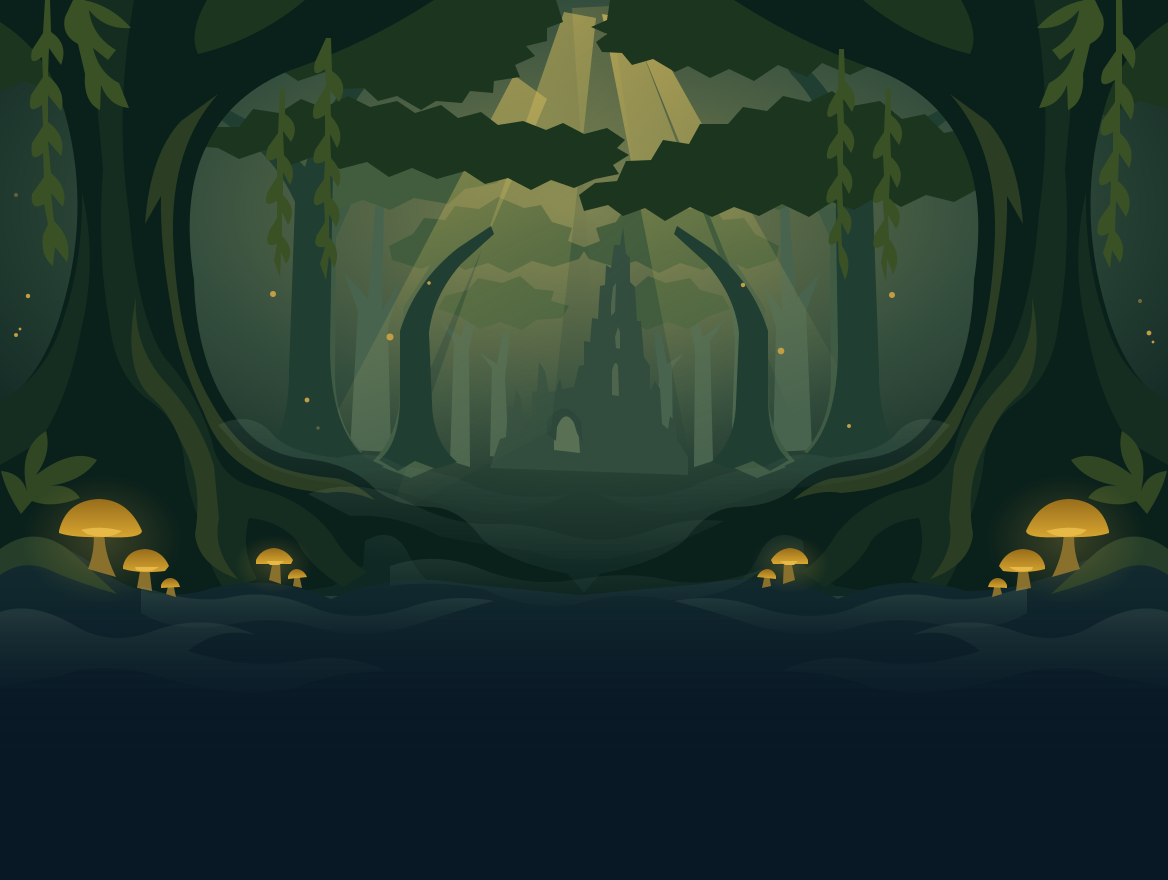
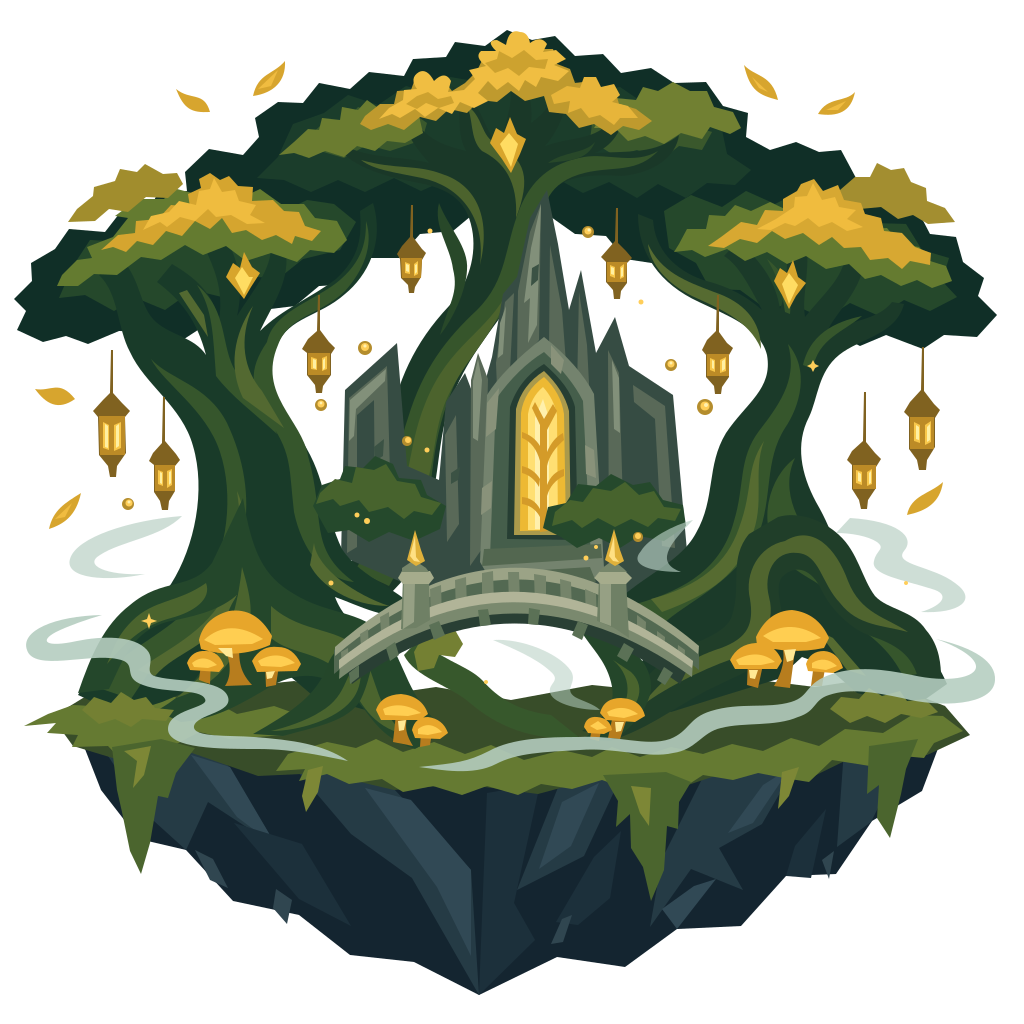
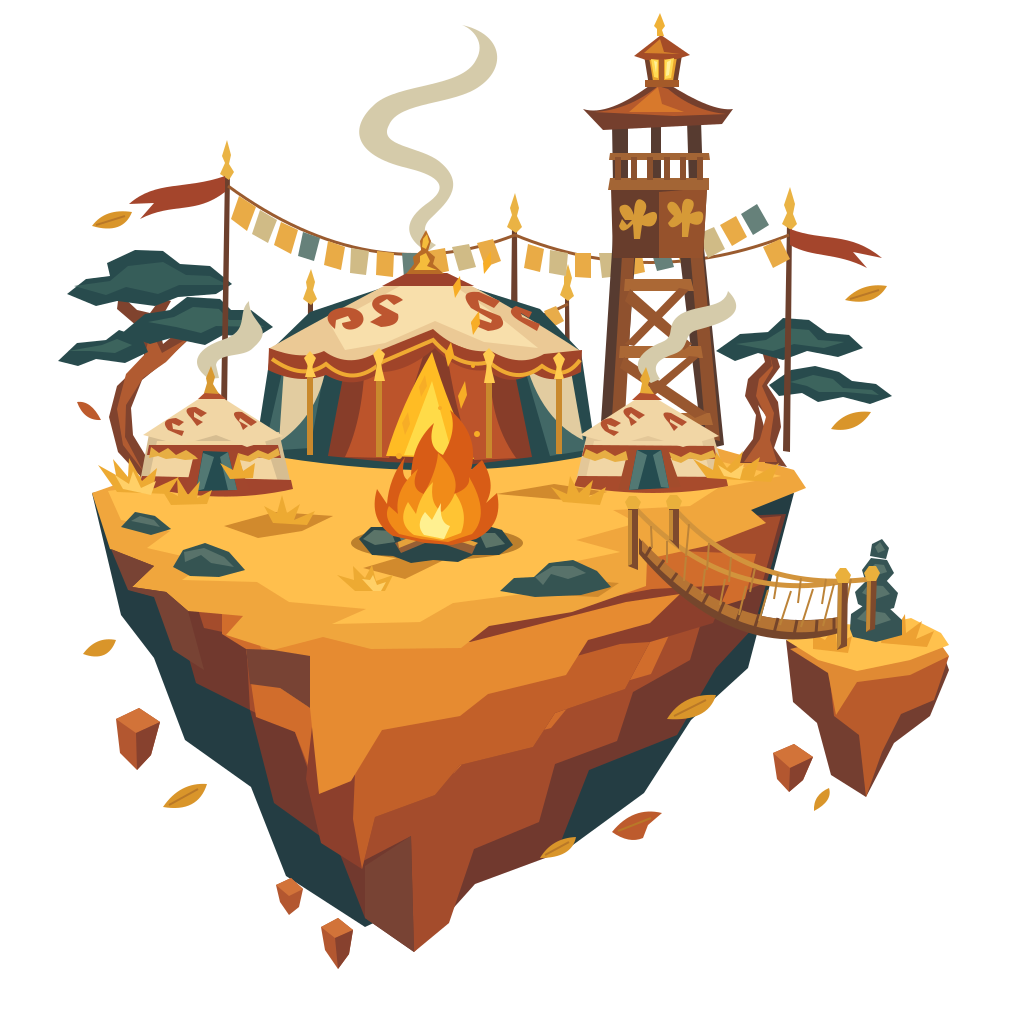
- Count your party and pick a plan: Springlands for up to 5 players, Revelwood for up to 10 or Nomad Highlands for a full world of 16.
- Pick the data center closest to where most of you live.
- Pay, and we build the server straight away.
- Open the server's settings file,
enshrouded_server.json, name the server and set a password for each user group. - Start the server, then send each friend the server's name and the password for their role.
Finding and joining your server in Enshrouded
- Open Enshrouded and choose Join in the main menu.
- In the server filter, switch on the option that shows dedicated servers.
- Search for your server's name and select it.
- Enter the password for your role.
Star the server and it sorts to the top of the list next time. If you cannot see it, open Steam, go to View, then Game Servers, and add your server's IP address and query port under Favorites, with a colon between them.
Bringing a saved Enshrouded world to your server
- On your PC, open
%USERPROFILE%\Saved Games\enshrouded. - Find your world's files. Enshrouded names each world with a fixed code, and the first world you created is
3ad85aea. - Stop the server and back up its
savegamefolder. - Upload your world's files to that folder and start the server.
Your character stays on your PC and joins the server with you. If the server opens a new world in place of yours, our support team can help you match the file names.
Roles, passwords and bans
Enshrouded handles permissions through user groups in the server's settings file, enshrouded_server.json. A new server starts with three groups: Admin, Friend and Guest. The password a player types when joining decides the group.
Each group has four switches: canKickBan, canAccessInventories, canEditBase and canExtendBase. Add reservedSlots to a group to hold places for it when the server fills up.
Build block by block
Every block of a base goes where you put it, and you can dig out, flatten or raise the ground under it. On a shared server one friend digs the cellar while another frames the roof.
Fight the way you like
A wide skill tree lets each player shape a fighter around melee weapons, bows or staffs. A full party can mix all three and go into the fog together.
Set the difficulty
Start from the Default, Relaxed, Hard or Survival preset. Or choose Custom and tune single values: enemy numbers, loot per stack, the length of the day and the time a player lasts in the Shroud.
What our customers say
We’re rated excellent or 4.3/5.0 based on over 435+ reviews at
- June 14th
Great host! “ I've been with this host for a little over 7 months now. Support is given almost instantly. Max I ever waited was 30(ish) minutes. ”
- Daniel Ramirez
- May 20th
Excellent and easy to use host “ Excellent service, really quick and easy to set up with lots of options and systems that really take the hassle out of hosting a server. ”
- Reece Cooper
- May 5th
I LOVE using RAMShard! “ I very much LOVE using RAMShard. It's efficient, easy to use, and the staff is extremely helpful! ”
- Cole Spencer
Looking for more customer reviews?
Read More »FAQ
Have your own question? Ask us.
Enshrouded allows up to 16 players in one world on PC, and you can set a server's slot count anywhere from 1 to 16. Three plans cover that range: Springlands suits up to 5 players, Revelwood up to 10 and Nomad Highlands the full 16.
They choose Join in the game's main menu, switch on dedicated servers in the server filter and search for your server's name. Then they enter the password for their role. If the server does not appear, they can add its IP address and query port as a favourite in the Steam client under View, Game Servers.
You can. Keen Games bundles the dedicated server with the game, and you find it in the Tools section of your Steam library. It runs on Windows. Your friends reach the world only while that PC is switched on. You also open the server's ports on your router (the query port is 15637 unless you change it) and install each patch yourself. A rented server stays up day and night, and you manage it from your browser.
Yes. Your worlds are in the Saved Games folder of your Windows user profile, in a folder named enshrouded. Stop the server, copy the world's files into the server's savegame folder, and start it again. Keep a copy of both sets of files before you begin.
No. The server saves the world: the bases, the terrain and the progress your party made in it. Each player's own device saves that player's character, with its equipment, inventory, levels and skills. You can take the same character from one server to another.
Give every user group a password. A player who types the Friend password joins as a Friend, and one who types the Guest password joins as a Guest. Keen Games recommends a password on every server, because a server without one is open to anyone who finds it in the list.
Yes. The server has four presets: Default, Relaxed, Hard and Survival. A fifth option, Custom, opens a long list of single settings, among them enemy numbers, enemy health and damage, resource amounts, experience gained, weapon durability and the length of day and night.
Enshrouded has no official mod support. Keen Games says it would love to add it and makes no promise. The game has no PvP mode either, and the studio says none is planned, so a server is a co-op world. The difficulty settings give you plenty of room to change how that world plays.
Go by the size of your party. Springlands fits up to 5 players, Revelwood up to 10 and Nomad Highlands a full world of 16. Each step up brings more memory, which matters because each extra player adds to what the server uses. The cost per player also falls as you climb, and Nomad Highlands has the lowest. If the party grows, move up a plan and the world comes with you.
Yes. Our support team replies by ticket and live chat at any hour of the day, and the knowledge base walks you through the common jobs one step at a time.
Yes. Every plan carries a 3 day money back guarantee. Ask us within 3 days of your payment and we refund it in full.
Visa, Mastercard, American Express, PayPal, Apple Pay, Google Pay and Link.
Need a different game?
Choose from our list of games below.



