
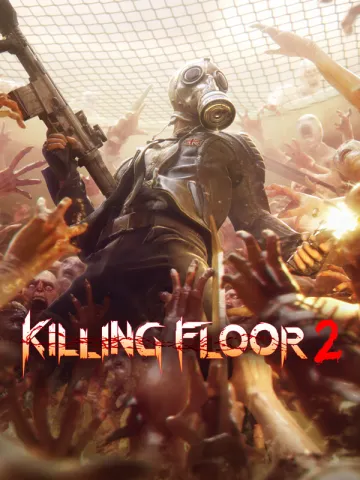

- Co-op shooter
- 6-player co-op
- 12-player Versus
- Steam Workshop
Killing Floor 2Server Hosting
Give your squad a Killing Floor 2 server that is online whenever the next wave is due. Up to 12 players can join for six-player co-op or a full Versus Survival match, on the map, difficulty and Workshop mods you choose.
- Instant setup
- DDoS protection
- 24/7 support
- Full file access
- NVMe SSD storage
- 3 day money-back
Starting at ¥1593 JPY/month
Choose your plan
Server location
Nearest to you
Secure and trusted payments
Server locations around the world
Pick the location closest to your players for the lowest latency. Test your ping from this browser to each of our data centers and see the hardware behind every one.
- Locations
- 16+
- Top CPU clock
- 5.7 GHz
- Support
- 24/7

North America
Virginia
Your ping
- Processor
- AMD EPYC 4465P
- Max clock
- 5.40 GHz
- Memory
- DDR5
- Network port
- 1-10 Gbps
Your ping
Your ping test starts in a moment.
North America
South America
Europe
Asia Pacific
Everything Your Killing Floor 2 Server Needs
You get Killing Floor 2 server hosting built to last from the first Clot to the final wave. Every server gets fast hardware, a protected network and a support team on call.
Network
Always-on DDoS Protection
A public Killing Floor 2 server sits in the server browser, where anyone can find it. We filter attack traffic before it reaches your server, at every hour, so a match in progress stays in progress.
Hardware
NVMe SSDs
The server loads a fresh map after every match, and Workshop maps and mods add to what it reads. NVMe drives read those files quickly, which helps keep the wait in the lobby short.
Hardware
AMD Ryzen and EPYC Processors
A wave puts a crowd of Zeds on the map, and the server tracks every one of them. The AMD processors behind your server reach clock speeds of up to 5.7 GHz.
Support
Support Around the Clock
Stuck on a Workshop map that will not download, or an admin password the game rejects? Send a ticket or open live chat at any hour. Our guides walk through the common jobs as well.
Panel
Automatic Tasks
Set a restart for the quiet hours so the server starts each evening fresh. Schedule it once in the panel and it repeats on the interval you picked.
Panel
Bring In Your Admins
Share control panel access with the friends who help you run the server, so one of them can restart it or change a setting while you are offline. You decide what each person can do.
Network
Automatic Failover
When a machine fails, we bring your server back up on a healthy one automatically. Your squad reconnects and starts the next match, and nobody has to open a ticket.
Network
Low Latency Routes
A headshot depends on timing. We control the routes your players' traffic takes and tune them for performance, so choose the location closest to your squad for the lowest ping.
A server of your own
Why rent a Killing Floor 2 dedicated server?
Without a server of your own, Killing Floor 2's matchmaking finds your squad a public server or takes over an empty one. A Killing Floor 2 dedicated server you rent stays yours: one address every night, with your map, your difficulty and your password.
Ready for the next wave
The server runs around the clock, so nobody in the squad has to host. Whoever logs on first starts the match, and it keeps running when they leave.
Co-op or Versus
Run six-player co-op against the Zeds, or fill all 12 slots for Versus Survival, where two teams take turns playing the humans and the Zeds.
Your match settings
Pick the map, a difficulty from Normal to Hell on Earth and a short, medium or long game. A server password keeps strangers out, and an admin password goes to the people you trust.

Maps and mods
Modded Killing Floor 2 server hosting with Steam Workshop maps and mods
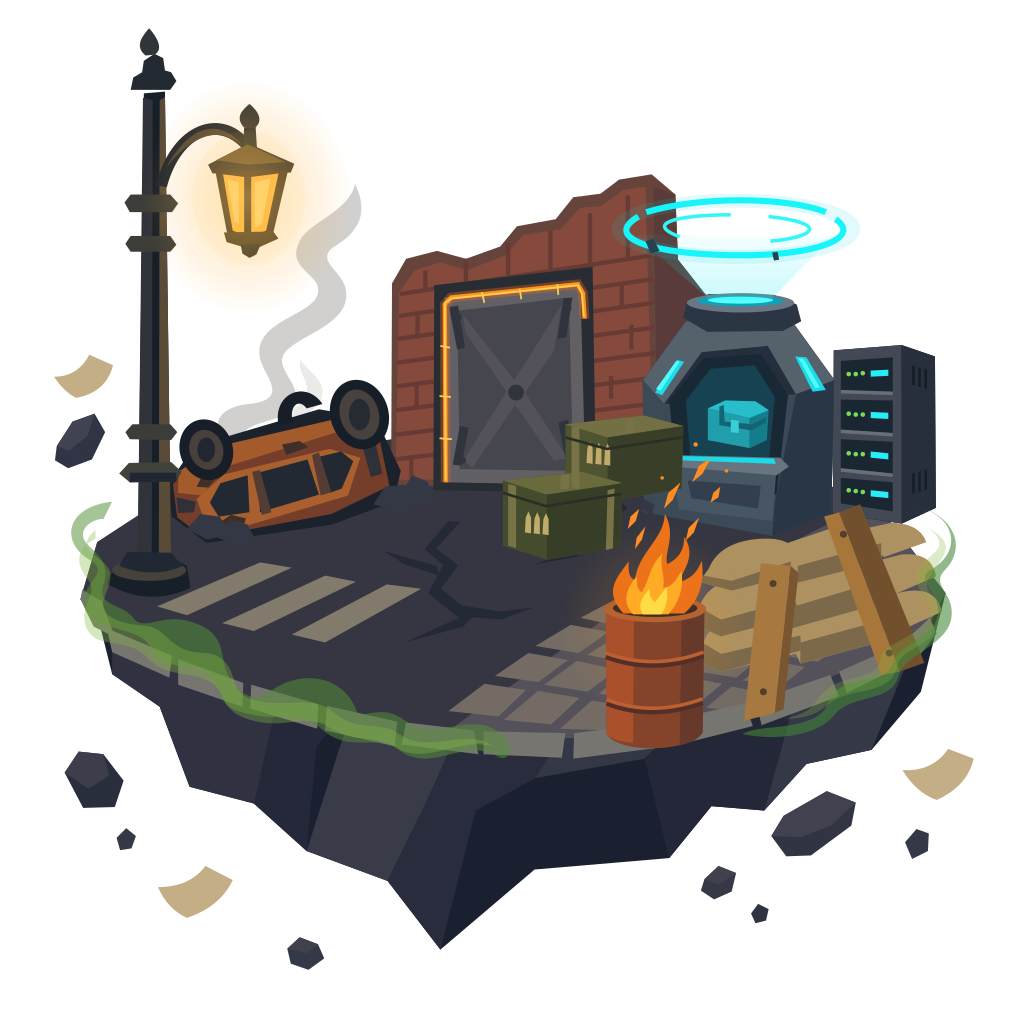
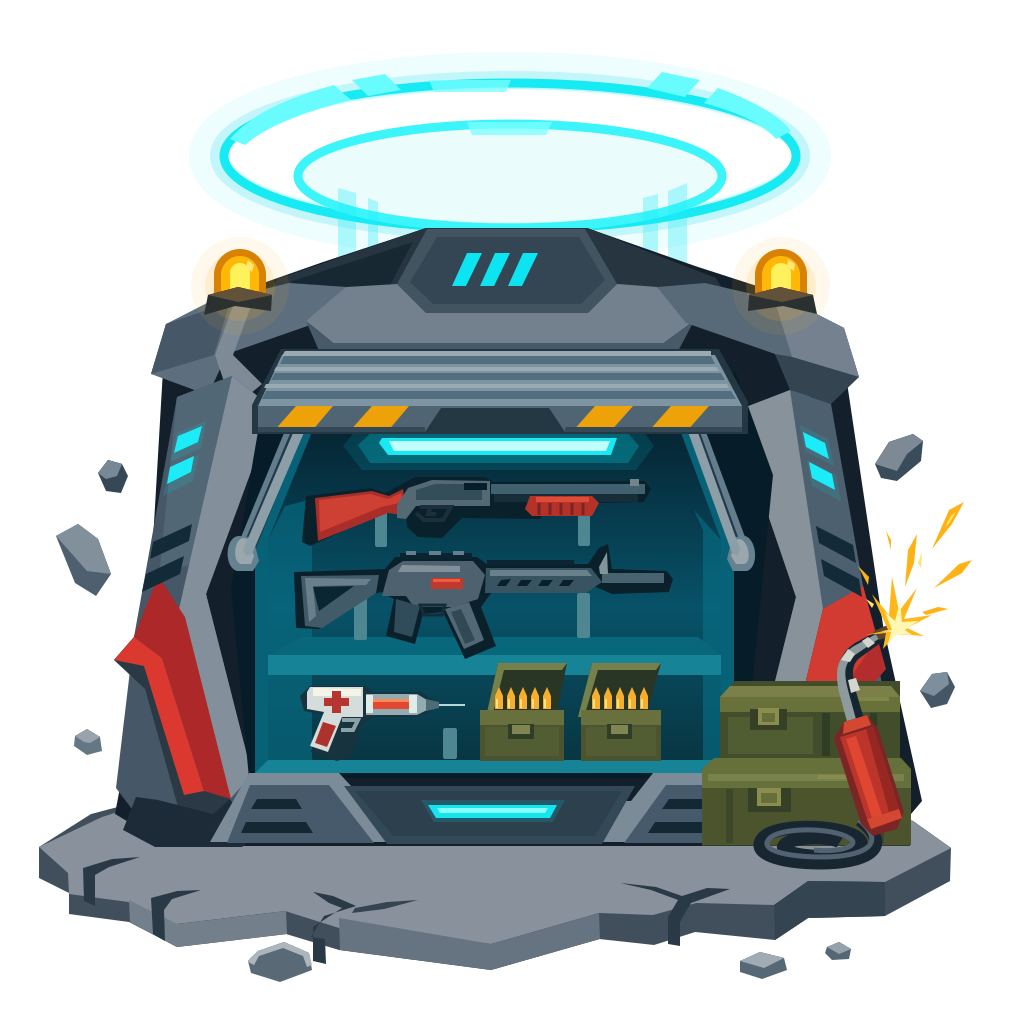
Killing Floor 2 is a wave shooter. Your squad clears a wave of Zeds, spends its Dosh at the Trader Pod and braces for the next one. The Steam Workshop adds community maps, mutators and custom game modes on top, and your server can run them.
How to set up a Killing Floor 2 server
- Choose a billing cycle and the server location closest to your squad.
- Complete checkout and we build the server for you.
- In the control panel, give the server a name and pick its starting map.
- Set an admin password. Add a server password too if you want a private server.
- Start the server and call in your squad.
How to connect to your Killing Floor 2 server
- Copy your server's address and port.
- Launch Killing Floor 2 and open the console.
- Type
openand the address, for exampleopen 203.0.113.10:7777. - Press Enter to connect. If the server has a password, the game asks for it.
The in-game server browser lists your server by name as well.
How to add Workshop maps and mods
- Open Killing Floor 2's Steam Workshop and find the map or mod you want.
- Copy the number at the end of its page address. That number is the Workshop ID.
- Stop your server.
- Add the ID to the server's mod setting. Separate several IDs with commas.
- For a map, set the server's map to the map's exact name.
- Start the server again. It downloads the items from the Workshop.
How to add admins and use WebAdmin
An admin is anyone who knows the server's admin password.
- Set the admin password in the server's settings and restart the server.
- Join the server and open the console.
- Type
AdminLoginand the password. - Use
Kick,KickBanorUnbanwith a player's name or SteamID64.
WebAdmin is the browser tool that ships with the Killing Floor 2 dedicated server. Sign in as admin with the same password to manage a match without joining it.
Installed by Workshop ID
Every Workshop item has an ID: the number at the end of its page address. Add the IDs to your server's settings and the server downloads those items when it starts.
Community maps
A custom map installs like any other Workshop item. Add its ID, then set the server's map to the map's exact name, which usually starts with KF-.
Nothing for players to install
When players connect, the game downloads the server's Workshop content for them. One caution: Tripwire built Steam and Epic crossplay for stock, unmodded servers.
What our customers say
We’re rated excellent or 4.3/5.0 based on over 435+ reviews at
- June 14th
Great host! “ I've been with this host for a little over 7 months now. Support is given almost instantly. Max I ever waited was 30(ish) minutes. ”
- Daniel Ramirez
- May 20th
Excellent and easy to use host “ Excellent service, really quick and easy to set up with lots of options and systems that really take the hassle out of hosting a server. ”
- Reece Cooper
- May 5th
I LOVE using RAMShard! “ I very much LOVE using RAMShard. It's efficient, easy to use, and the staff is extremely helpful! ”
- Cole Spencer
Looking for more customer reviews?
Read More »FAQ
Have your own question? Ask us.
Up to 12 on the Trader Pod plan. Tripwire built co-op for six players and Versus Survival for 12 across two teams, so the plan covers a full match of either.
There is one plan, and its monthly price is at the top of this page. The price covers the server, DDoS protection and support, and we charge no setup fee. Quarterly and annual billing lower the monthly cost.
Yes. Add each item's Workshop ID to the server's settings and the server downloads it on the next start. That covers custom maps and mutators alike. You also get full access to the server's files.
They do not have to find anything themselves. The game downloads the server's Workshop content when a player connects, so the first join takes a little longer than usual.
Tripwire added crossplay between Steam and the Epic Games Store for stock, unmodded servers. Once a server runs Workshop mods, Epic players may not be able to join it. Keep the server unmodded if your squad is split across both stores.
Survival, Weekly, Versus Survival and Endless, plus Objective on the maps that support it. Survival is the co-op mode most squads play, as a short, medium or long game.
Set a server password. The game asks every player for it when they connect, so only the people you share it with get in. Remove the password to open the server to the public again.
Set an admin password in the server's settings. In the game, open the console and type `AdminLogin` followed by that password. Admins can kick and ban players, and the same password signs you in to WebAdmin in a browser.
You can. Tripwire distributes the dedicated server through Steam. Your PC then has to stay on for as long as anyone wants to play, and you open ports on your router and update the server after each patch yourself. A rented server runs in a data center all day and all night, and you manage it from your browser.
Yes. Our support team answers by ticket and live chat at any hour. The knowledge base also has step-by-step guides for the common jobs.
Every order comes with a 3 day money back guarantee. Contact us within 3 days of your payment and we refund it in full.
Visa, Mastercard, American Express, PayPal, Apple Pay, Google Pay and Link.
Need a different game?
Choose from our list of games below.



