
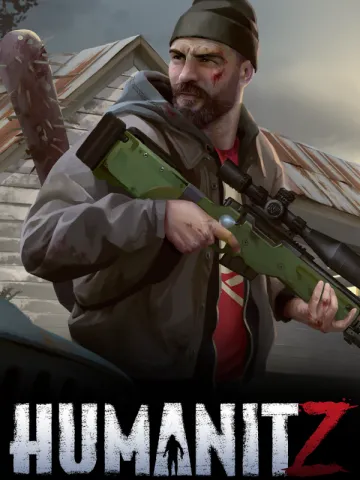

- Zombie survival
- Version 1.0
- PvE or PvP
- Up to 24 players
HumanitZServer Hosting
Keep one apocalypse running for your whole group. Your HumanitZ server stays online day and night for 8, 16 or 24 survivors, with PvE or PvP and the loot, zeek and permadeath rules you set.
- Instant setup
- DDoS protection
- 24/7 support
- Full file access
- NVMe SSD storage
- 3 day money-back
Starting at R$58,13 BRL/month
Pick your HumanitZ plan
Server location
Nearest to you
- Common
- Most popular
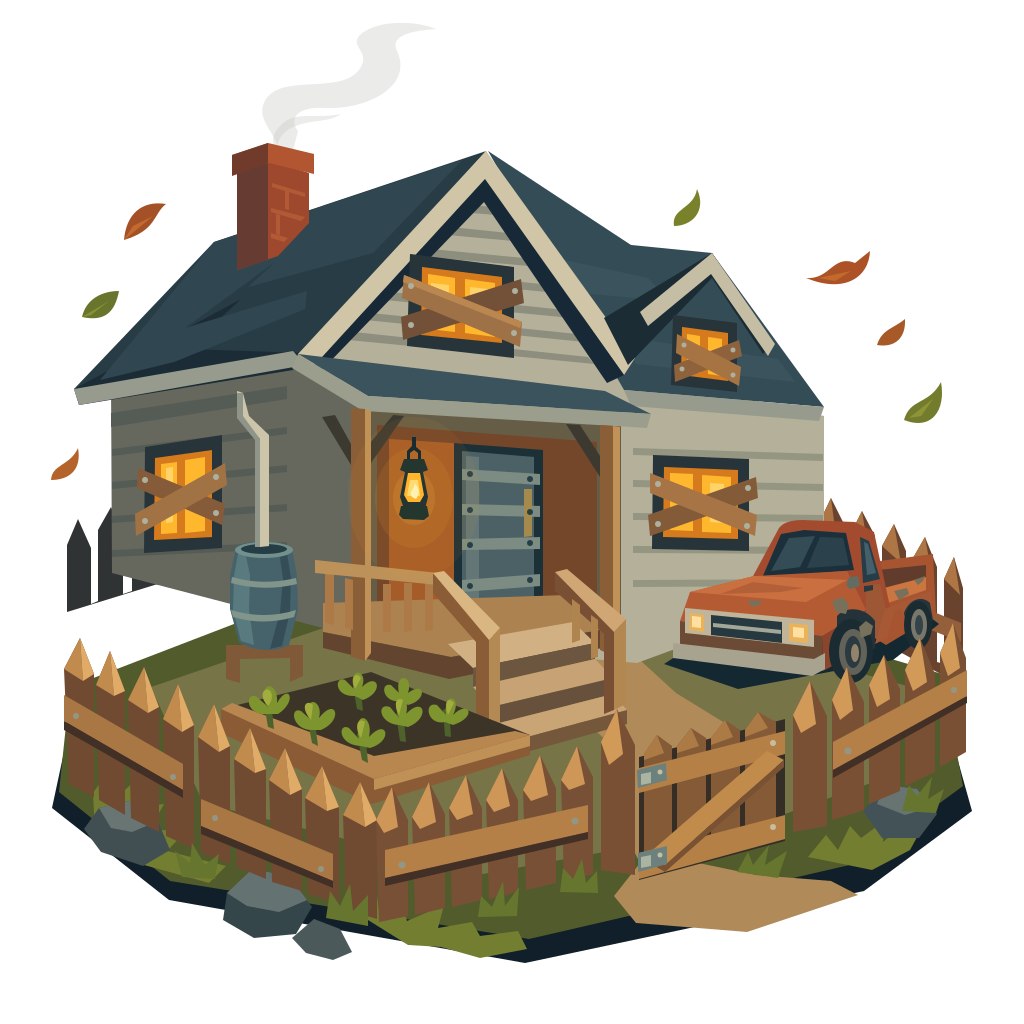
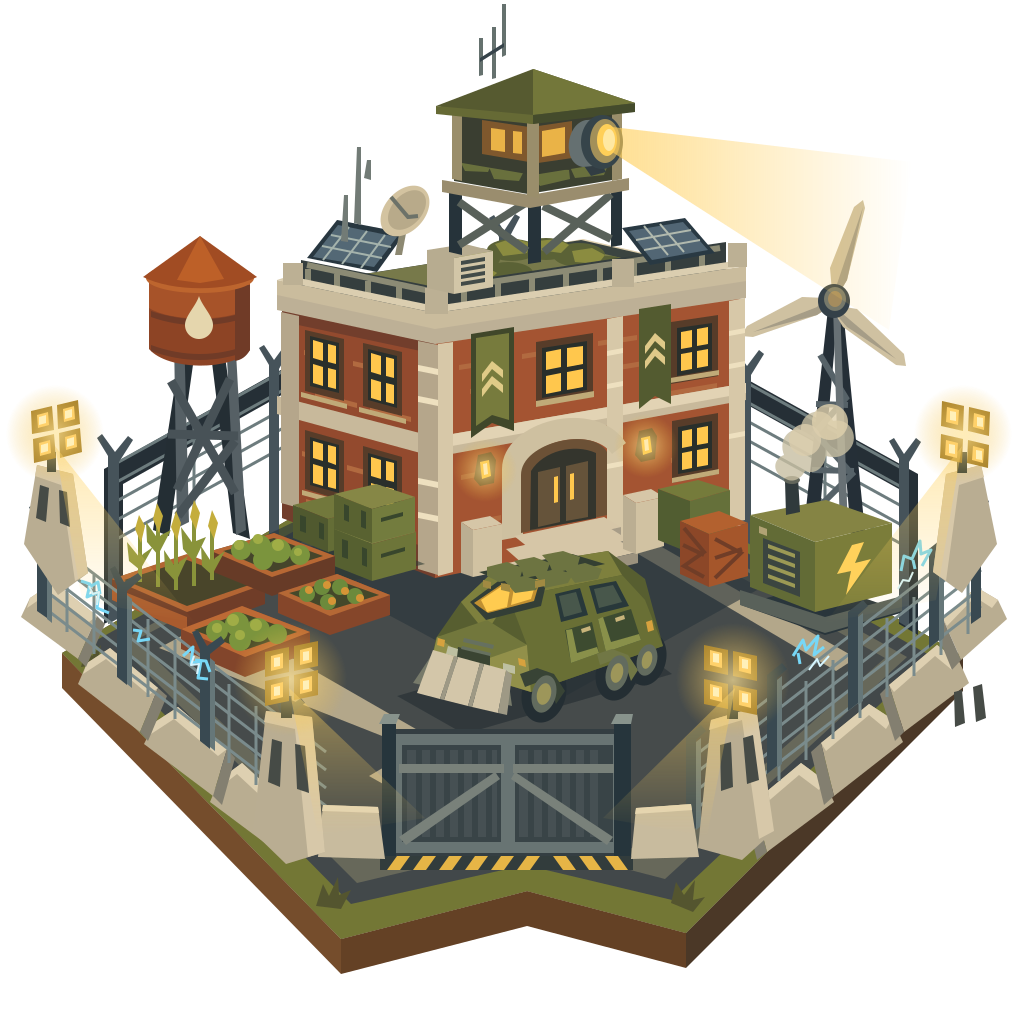
- Legendary
Secure and trusted payments
Server locations around the world
Pick the location closest to your players for the lowest latency. Test your ping from this browser to each of our data centers and see the hardware behind every one.
- Locations
- 16+
- Top CPU clock
- 5.7 GHz
- Support
- 24/7

North America
Virginia
Your ping
- Processor
- AMD EPYC 4465P
- Max clock
- 5.40 GHz
- Memory
- DDR5
- Network port
- 1-10 Gbps
Your ping
Your ping test starts in a moment.
North America
South America
Europe
Asia Pacific
What Every HumanitZ Server Gets
HumanitZ server hosting on fast hardware and a protected network, with a team on call for the problems a shotgun cannot solve. Every plan includes all of it.
Network
Always-on DDoS Protection
A base your group spent weeks fortifying should not go dark because someone flooded the server with junk traffic. We filter attacks out before they reach your server, on every plan, around the clock.
Hardware
NVMe SSDs
HumanitZ saves the world on a timer: every safe house, parked vehicle and stocked crate. NVMe drives finish those saves fast, so the game keeps moving when a full server writes to disk.
Hardware
AMD Ryzen and EPYC Processors
The server tracks every zeek, bandit and animal on the map, and raising their numbers adds to its workload. The AMD processors behind your world clock up to 5.7 GHz.
Support
Support Around the Clock
A setting that did not apply, or a server missing from the in-game list? Our team replies by ticket and live chat at any hour, and the guides walk you through the common jobs.
Panel
Automatic Tasks
Schedule restarts on an interval, such as one early each morning while your survivors sleep. Set a task once and the panel keeps running it.
Panel
Invite Your Group
Give a trusted friend access to the control panel so they can restart the server or change a setting while you are offline. You decide what each person can do.
Network
Automatic Failover
If a machine fails, your server starts again on a healthy one without a ticket from you. Your group carries on from the last save.
Network
Low Latency Routes
Aiming a shot and dodging a lunge both depend on ping. We manage the routes traffic takes between your players and the server, and tune them for speed. Choose the location nearest your group for the lowest ping.
Always online
What a HumanitZ dedicated server changes for your group
HumanitZ lets one player host a world for friends, and that world stops when the host quits. A HumanitZ dedicated server keeps the same world running in a data center, so the group's base, vehicles and crops are there whenever anyone logs in.
The world outlasts the host
Night owls scavenge while the early shift sleeps. Whoever logs in next finds the crates stocked, the fences mended and the truck where the last driver parked it.
Room for 8, 16 or 24
There is a plan for each group size, from one squad of friends to a small community with rival camps. Move up a plan when more survivors arrive.
PvE or PvP, on your terms
Switch PvP on or off, set a join password and choose how much a player loses on death. Permadeath is a setting too, for groups that want every bite to count.
The game
A HumanitZ multiplayer world that runs on your rules
HumanitZ is an isometric, open-world zombie survival sandbox from Yodubzz Studios, out of early access since version 1.0. You scavenge abandoned towns, fight the infected the game calls zeeks, and turn a ruin into a home. On your own server, your group decides how harsh that life is.
How to set up a HumanitZ server
- Pick the plan that matches the size of your group.
- Choose the server location closest to most of your players.
- Pay, and we build the server for you.
- In the control panel, give the server a name. Add a password if the world is for friends only.
- Start the server and send the name to your group.
How to connect to your HumanitZ server
- Open HumanitZ and choose Multiplayer.
- Pick your survivor and continue.
- Open the server search and type your server's name.
- Select the server and press Play. Enter the password if you set one.
The name you search for is the one in the server's settings, so pick something your friends can spell.
How to become an admin on your server
HumanitZ grants admin rights with a password that you set on the server.
- Stop your HumanitZ server.
- Set an admin password in the server's settings and start the server again.
- Join the server and press Enter to open the chat.
- Type
/AdminAccessfollowed by the admin password, then press Enter.
Anyone who knows the password can do the same. Share it only with people you would trust with the whole world.
How to switch between PvE and PvP
- Shut the server down from the control panel.
- Open the server's settings and turn PvP on or off.
- While you are there, check what a player loses on death. The harshest option takes everything they carry and wear.
- Start the server again.
HumanitZ reads its settings when the server starts. A change you make while it runs waits for the next restart.
Scavenge, build, drive
Loot towns for supplies, fortify a safe house with fences and barricades, and fix up a vehicle to haul it all home. Farming, hunting and fishing keep the group fed.
Zeeks, bandits and weather
Hordes are one threat among several. Hostile survivors hold bandit bases, infected wildlife roams the woods, and hunger and exposure wear a survivor down.
A setting for each threat
Server settings cover zeek health, speed, damage and numbers, loot rarity and respawns, the length of day and night, the days in a season and air drops.
What our customers say
We’re rated excellent or 4.3/5.0 based on over 435+ reviews at
- June 14th
Great host! “ I've been with this host for a little over 7 months now. Support is given almost instantly. Max I ever waited was 30(ish) minutes. ”
- Daniel Ramirez
- May 20th
Excellent and easy to use host “ Excellent service, really quick and easy to set up with lots of options and systems that really take the hassle out of hosting a server. ”
- Reece Cooper
- May 5th
I LOVE using RAMShard! “ I very much LOVE using RAMShard. It's efficient, easy to use, and the staff is extremely helpful! ”
- Cole Spencer
Looking for more customer reviews?
Read More »FAQ
Have your own question? Ask us.
It depends on the plan. Campfire holds 8 survivors, Safe House holds 16 and Stronghold holds 24. Each step up also adds memory. You can change plan when your group grows.
The three plans and their monthly prices sit at the top of this page. Every price includes the server, DDoS protection and support, and we charge no setup fee. Quarterly and annual billing bring the monthly cost down.
No. One player can host a world from the game and invite friends. That world is online only while the host is playing. A dedicated server keeps it running at all hours, so nobody has to wait for one person to log in.
HumanitZ 1.0 launched on PC through Steam, and these plans host that version. Everyone in your group joins with the Steam game.
Choose Multiplayer in the game's menu, pick your survivor, then search for your server's name in the server list. Select it and press Play. If you set a password, the game asks for it before you connect.
Set an admin password in the server's settings and restart it. In the game, open the chat and type /AdminAccess followed by that password. Every player who knows the password can become an admin, so keep it to a few people.
Most of the world. You can switch PvP on or off, turn on permadeath, and set zeek health, speed, damage and numbers. Loot rarity, loot respawns, day and night length, season length, air drops and dog companions each have a setting as well. Changes apply when the server restarts.
Yes, if you want to run it yourself. The dedicated server software is a separate download through Steam. Your PC has to stay switched on for the world to be online, you forward the game and query ports on your router (7777 and 27015 by default), and you update the server after each patch. A rented server lives in a data center, and you manage it from your browser.
Count the survivors who will be online together. Campfire fits a group of up to 8 and Stronghold fits up to 24. Safe House sits between them with 16 slots and costs the least per player. Raising zeek or bandit numbers above the defaults makes the server work harder, so leave some headroom if you plan to.
We can. Support staff reply by ticket and live chat at any hour of the day, and the knowledge base walks through the common jobs one step at a time.
You can. Every plan has a 3 day money back guarantee: contact us within 3 days of paying and we refund the full amount.
Visa, Mastercard, American Express, PayPal, Apple Pay, Google Pay and Link.
Need a different game?
Choose from our list of games below.



