
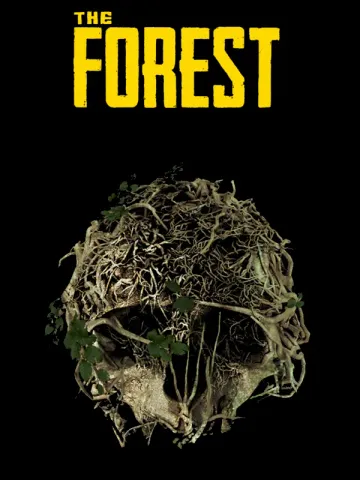

- Survival
- PC on Steam
- 8 to 36+ players
- Four difficulty modes
The ForestServer Hosting
Keep one peninsula online for the whole group, whether that is a party of 8 or a community of 36 players and more. You set the difficulty, decide whether the cannibals show up at all, and bring the save you already started.
- Instant setup
- DDoS protection
- 24/7 support
- Full file access
- NVMe SSD storage
- 3 day money-back
Starting at R$58,13 BRL/month
Choose your plan
Server location
Nearest to you
- Common
- Most popular
- Best value
Secure and trusted payments
Server locations around the world
Pick the location closest to your players for the lowest latency. Test your ping from this browser to each of our data centers and see the hardware behind every one.
- Locations
- 16+
- Top CPU clock
- 5.7 GHz
- Support
- 24/7

North America
Virginia
Your ping
- Processor
- AMD EPYC 4465P
- Max clock
- 5.40 GHz
- Memory
- DDR5
- Network port
- 1-10 Gbps
Your ping
Your ping test starts in a moment.
North America
South America
Europe
Asia Pacific
What Every The Forest Server Gets
The Forest server hosting on fast hardware and a protected network, with a team on call when the camp goes quiet for the wrong reason. Every plan includes all of it.
Network
Always-on DDoS Protection
A camp the group spent weeks walling in should stay reachable when someone aims junk traffic at it. We filter attack traffic before it reaches your server, on every plan, all the time.
Hardware
NVMe SSDs
The Forest autosaves the whole peninsula on a timer: every log wall, every trap and every tree stump. NVMe drives write those saves quickly, late in a long game as well as on day one.
Hardware
AMD Ryzen and EPYC Processors
The server tracks every cannibal patrol, every felled tree and every structure for all players at once. The AMD processors behind it run at clock speeds of up to 5.7 GHz.
Support
Support Around the Clock
Server missing from the Dedicated list, or a save that will not load? Ask our team by ticket or live chat at any hour, or follow the step-by-step guides for the common jobs.
Panel
Automatic Tasks
Schedule restarts and announcements on an interval, such as a restart in the early hours when the camp is empty. The panel repeats them until you change the schedule.
Panel
Share the Camp Keys
Let a friend into the control panel so they can restart the server or change a setting while you are away. You decide what each person can do.
Network
Automatic Failover
If a machine fails, your server starts again on a healthy one by itself. Nobody has to notice the fault or open a ticket first.
Network
Low Latency Routes
Blocking a club swing and landing a spear throw both depend on ping. We control the routes your players' traffic takes, and we tune them for speed. Choose the location nearest your group.
Dedicated servers
Why rent a The Forest dedicated server?
In player-hosted co-op, the world runs on one person's PC, holds up to eight players and saves only when the host saves. A The Forest dedicated server runs the peninsula in a data center, keeps it online and saves it on a timer.
The camp stays open
Anyone can log in to cut logs, check the traps or restock the drying racks while the usual host is asleep. The server autosaves by itself, as often as every 15 minutes.
Room for more than eight
Player-hosted games stop at eight. A dedicated server sets its own limit with the serverPlayers setting, and our plans are sized for 8, 24 and 36 or more players.
Your peninsula, your rules
Pick Peaceful, Normal, Hard or Hard Survival. Remove enemies altogether, protect buildings from other players, let felled trees grow back, or raise player damage for PvP.
About the game
Survive the peninsula together on your own server
The Forest is the survival horror game from Endnight Games, released on Steam in 2018. A plane crash leaves you on a forested peninsula, where you cut trees, build a camp and hold it against the cannibals who live there. A private server gives your group one world to share.
How to set up a The Forest server
- Pick the plan that fits your group: 8, 24 or 36 and more players.
- Choose the server location nearest your group.
- Pay for the order, and we create your The Forest server.
- In the control panel, set the server's name, a join password and the difficulty.
- Set a separate admin password, then start the server.
How to connect to your The Forest server
- Open The Forest and choose Multiplayer.
- Choose Join Game, then Dedicated (Internet).
- Type your server's name in the filter box and refresh the list.
- Select your server and choose Join.
- Enter the server password. Add the admin password too if you are an admin.
Server missing from the list? In Steam, open View, then Game Servers, then Favorites, and add your server's address with its query port, 27016 by default.
How to move an existing save to your server
- Stop your The Forest server.
- On your PC, open
%USERPROFILE%\AppData\LocalLow\SKS\TheForest. Inside the numbered folder,Multiplayerholds your co-op saves andSinglePlayeryour solo ones, one folder per save slot. - Upload the slot folder to the server's multiplayer save folder with the file manager or FTP.
- Set the server's save slot to the same number, 1 to 5, and its start mode to
Continue. - Start the server again.
A server left on New starts a fresh game every time.
Admins, kicks and bans
Anyone who enters the server's admin password while joining becomes an admin. Admins open chat with Enter and type a command:
/helplists the commands./save 1saves the game to slot 1. Slots run from 1 to 5./kickand/ban, each followed by a player's Steam ID, remove that player./shutdownstops the server.
Leave /restart alone unless you want a new game: it resets the save.
Build by day, defend by night
Every tree on the peninsula can come down. Turn the logs into a shelter, a cabin or a treehouse, then ring it with walls and traps before dark.
Caves under the trees
A network of caves and underground lakes runs beneath the forest. They are dark and they are occupied, so go down as a group and carry a light.
Co-op with a second chance
A player who loses all their health drops to hands and knees, and a teammate can revive them. Text chat and the walkie-talkie keep a scattered group in touch.
What our customers say
We’re rated excellent or 4.3/5.0 based on over 435+ reviews at
- June 14th
Great host! “ I've been with this host for a little over 7 months now. Support is given almost instantly. Max I ever waited was 30(ish) minutes. ”
- Daniel Ramirez
- May 20th
Excellent and easy to use host “ Excellent service, really quick and easy to set up with lots of options and systems that really take the hassle out of hosting a server. ”
- Reece Cooper
- May 5th
I LOVE using RAMShard! “ I very much LOVE using RAMShard. It's efficient, easy to use, and the staff is extremely helpful! ”
- Cole Spencer
Looking for more customer reviews?
Read More »FAQ
Have your own question? Ask us.
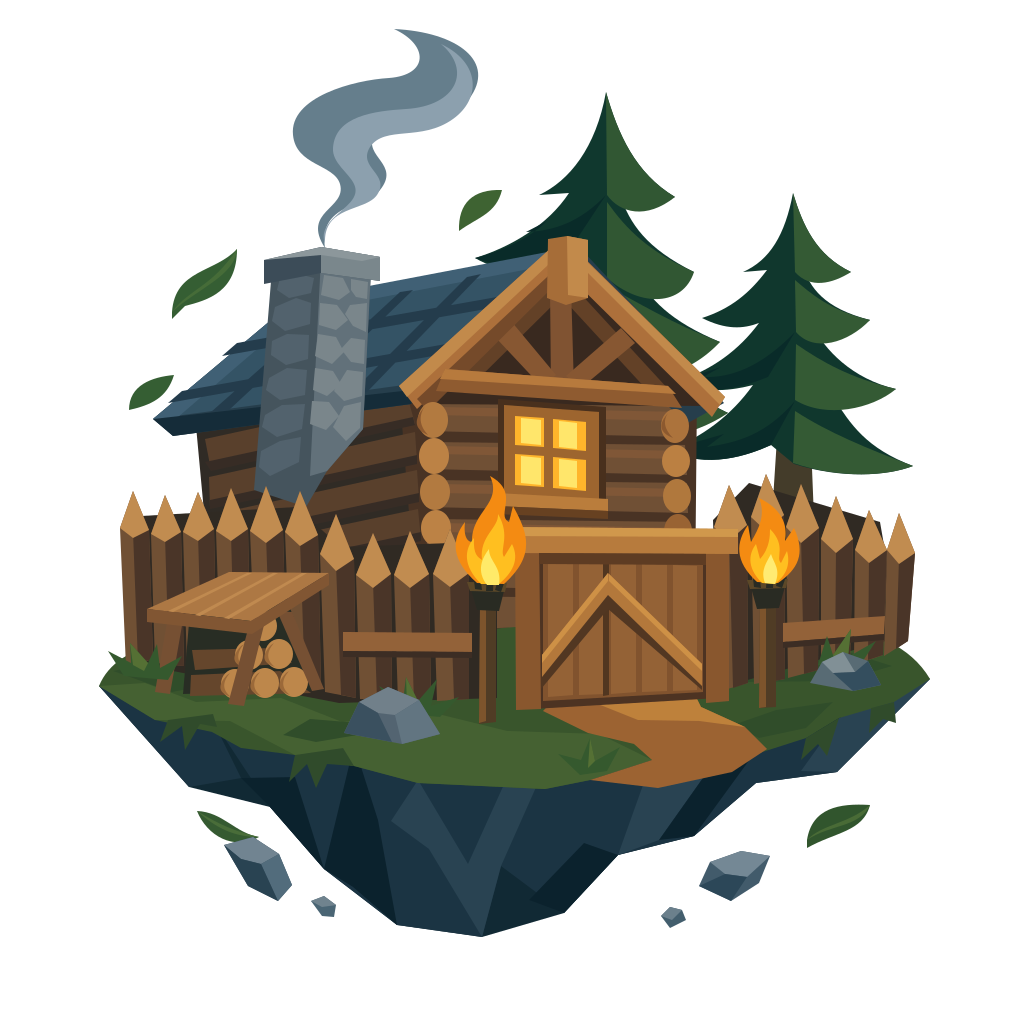
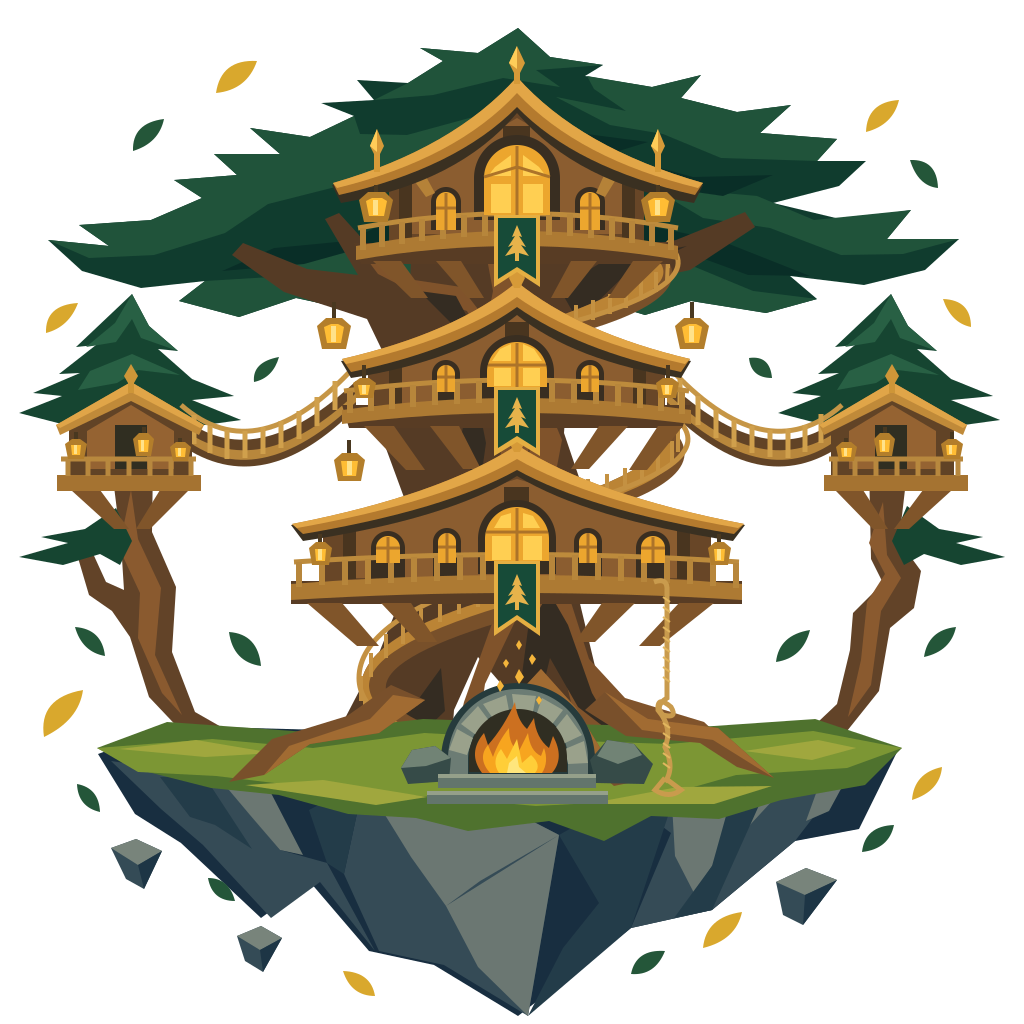
A co-op game hosted by a player holds up to eight. A dedicated server sets its own limit, and our plans are sized by group: Shelter for up to 8 players, Log Cabin for up to 24, and Treehouse for 36 and more. Treehouse also has the most memory, which helps with large bases, and it costs the least per player. You can move to another plan later and keep your world.
These plans host The Forest, the first game. Sons of the Forest is its sequel and a separate game with its own server software, so players of one cannot join a server for the other.
No. The dedicated server is a Steam tool and it hosts the PC version of the game. The PlayStation 4 version has its own online co-op for up to four players, and those players cannot join a PC server.
You can. Endnight's dedicated server is a free tool in your Steam library, under Tools. Your PC has to stay on for the world to be online, you forward ports 8766, 27015 and 27016 on your router, and you update the server yourself. Rent a server and the peninsula stays online in a data center around the clock, with a control panel in your browser for the settings.
Open the game and choose Multiplayer, Join Game, then Dedicated (Internet). Type your server's name in the filter box, refresh the list, select the server and enter its password. Everyone needs the Steam version of the game.
Yes. Single player and co-op saves both work. Stop the server, upload the save's slot folder with the file manager or FTP, set the server to the same save slot with its start mode on Continue, and start it again.
Set a server password and give it only to your group. Nobody can join without it, even though the server appears in the public list. Keep the admin password separate, because anyone who has it can kick and ban.
Yes. The server's veganMode setting removes enemies, and vegetarianMode keeps them away during the day. The difficulty setting has a Peaceful option too, and Hard and Hard Survival go the other way for groups that want more of a fight.
Oxide, the plugin framework from umod.org, lists a build for The Forest's dedicated server. Full access to your server's files lets you add it and its plugins. Its list of plugins for this game is short, so check that the one you want exists before you plan around it.
Yes. Our support team answers by ticket and live chat at any hour, and the knowledge base walks through the common jobs one step at a time.
You are covered by a 3 day money back guarantee. Contact us within 3 days of your payment and we refund it in full.
Visa, Mastercard, American Express, PayPal, Apple Pay, Google Pay and Link.
Need a different game?
Choose from our list of games below.



