


- Survival
- PvE or PvP
- Steam on PC
- Up to 32 players
The FrontServer Hosting
Hold your own corner of the wasteland on a The Front server that stays online around the clock. Set it to PvE or PvP, tune the rates, and bring up to 32 players in from Steam.
- Instant setup
- DDoS protection
- 24/7 support
- Full file access
- NVMe SSD storage
- 3 day money-back
Starting at R$145,41 BRL/month
Choose your plan
Server location
Nearest to you
Secure and trusted payments
Server locations around the world
Pick the location closest to your players for the lowest latency. Test your ping from this browser to each of our data centers and see the hardware behind every one.
- Locations
- 16+
- Top CPU clock
- 5.7 GHz
- Support
- 24/7

North America
Virginia
Your ping
- Processor
- AMD EPYC 4465P
- Max clock
- 5.40 GHz
- Memory
- DDR5
- Network port
- 1-10 Gbps
Your ping
Your ping test starts in a moment.
North America
South America
Europe
Asia Pacific
Built to Keep Your The Front Server Standing
The Front server hosting has to carry sieges, raids and a garage full of vehicles without a stutter. Every plan comes with fast hardware, a protected network and a support team on call.
Network
Always-on DDoS Protection
A PvP server makes enemies, and the middle of a raid is a bad moment to drop offline. We filter attack traffic before it reaches your server, on every plan, at every hour.
Hardware
NVMe SSDs
The Front saves the whole world on a timer: each base, trap, vehicle and storage box. NVMe drives write those saves fast, so your squad keeps playing while the server saves.
Hardware
AMD Ryzen and EPYC Processors
Monster sieges, turrets and vehicle fights all run on the server at the same moment. The AMD processors behind it clock up to 5.7 GHz.
Support
Support Around the Clock
A setting that will not stick, or a friend who cannot find the server in the list? Ask us by ticket or live chat at any hour, or follow one of our step-by-step guides.
Panel
Automatic Tasks
Set a restart for the hours when your squad sleeps. The panel runs it on that interval from then on, with nothing more for you to do.
Panel
Share the Controls
Give a co-owner or a trusted squadmate access to the control panel, so someone can restart the server or change a setting while you are away. Each person gets only the permissions you pick.
Network
Automatic Failover
Hardware fails now and then. When a machine does, your server starts again on a healthy one by itself, with no ticket to open, and your base is where you left it.
Network
Low Latency Routes
A firefight or a helicopter landing goes badly on a slow connection. We control the path your players' traffic takes and tune it for performance. Choose the location closest to your squad for the lowest ping.
Dedicated servers
Why rent a The Front dedicated server?
The Front offers three ways to play Standard Mode with other people: an official server, a game hosted from your own PC, or a dedicated server. A rented The Front dedicated server runs in a data center day and night, and its rules belong to you.
No waiting for a host
A hosted game lives on one player's PC. A dedicated server keeps the world running after that player logs off, so squadmates in other time zones can farm, build and defend at their own hours.
PvE or PvP, your call
Pick the gameplay mode, decide on friendly fire, and adjust the rate multipliers in the server's settings files. A relaxed building server and a hard raiding server start from the same plan.
A password for your squad
Set a server password and share it with the people you want. Leave it blank and anyone who finds your server in the list can join, up to 32 players.
The game
The Front multiplayer: build, defend and drive
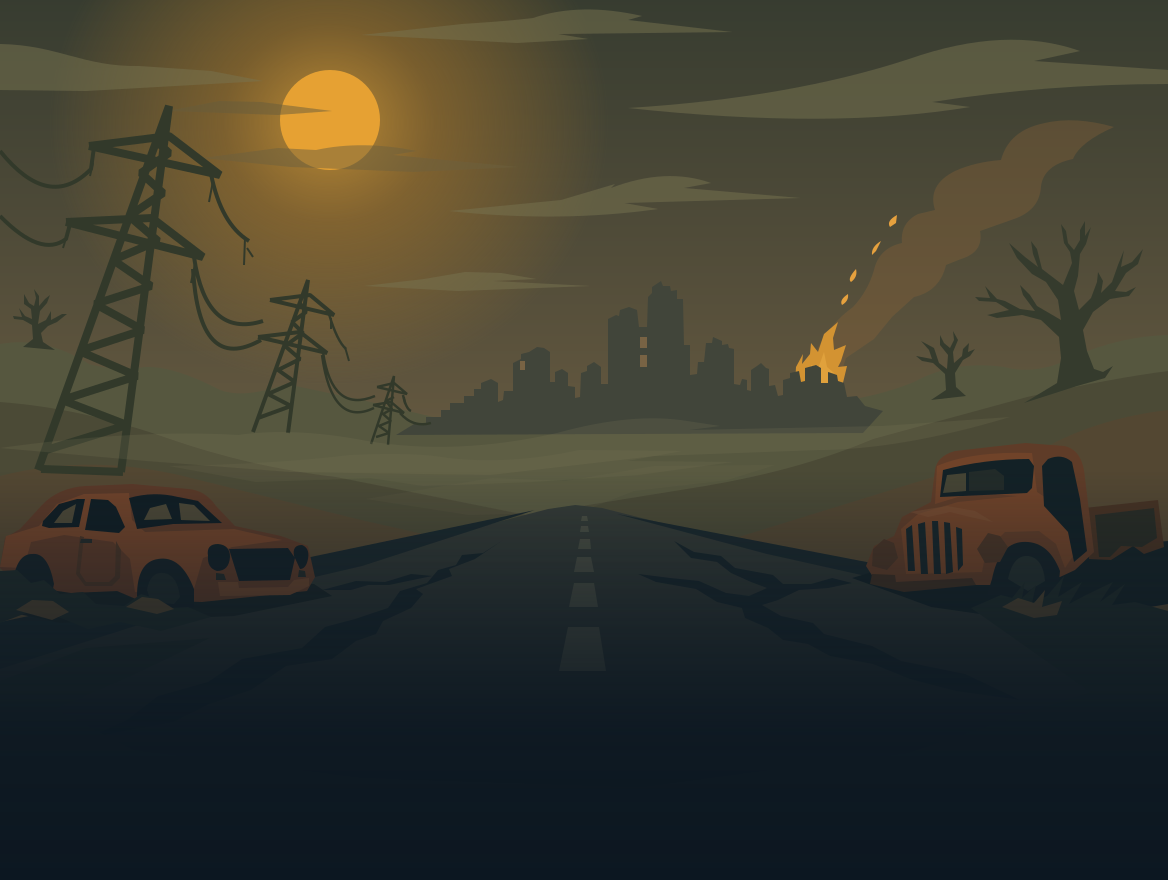
The Front is an open-world survival game from Samar Studio, set in a wasteland held by imperial forces, raiders and mutants. You begin with simple tools and work up to military hardware, and a server lets a whole squad make that climb together.
How to set up a The Front server
- Choose the Stronghold plan and the server location nearest your players.
- Check out. We create your server for you.
- In the control panel, give the server a name your friends can search for.
- Set a password if you want the server private, and choose PvE or PvP.
- Start the server.
Finding and joining your server in The Front
- Open The Front and choose Standard Mode.
- Open Servers.
- Search the server list for your server's name.
- Select the server, enter the password if you set one, and join.
Players find a dedicated server by its name, so pick one that is easy to spell.
How to add admins to a The Front server
The Front reads its admins from the server's settings.
- Ask each admin for their SteamID64, the 17-digit number of their Steam account.
- Stop the server.
- Add those IDs to the admin accounts setting.
- Start the server.
An admin can then run admin commands from the in-game console.
How to change the rates on a The Front server
The Front keeps its rate multipliers in the server's settings files.
- Stop the server.
- Open the settings files and find the multiplier you want to change.
- Enter the new value and save the file.
- Start the server.
Change one multiplier at a time, so you can see what each one does to the game.
Bases and traps
Build a base from hundreds of components, then wire sensors and traps into its defences. Monsters lay siege to what you build, and your traps meet them at the walls.
Vehicles you assemble
Choose a chassis, an engine, weapons and armour and assemble your own war machine. The game has more than 20 vehicle types, helicopters among them, and squadmates can work on one build together.
Followers and raids
Subdue NPCs and they fight beside you or work at your benches. Raid enemy camps for blueprints, and on a PvP server, defend your base against other players.
What our customers say
We’re rated excellent or 4.3/5.0 based on over 435+ reviews at
- June 14th
Great host! “ I've been with this host for a little over 7 months now. Support is given almost instantly. Max I ever waited was 30(ish) minutes. ”
- Daniel Ramirez
- May 20th
Excellent and easy to use host “ Excellent service, really quick and easy to set up with lots of options and systems that really take the hassle out of hosting a server. ”
- Reece Cooper
- May 5th
I LOVE using RAMShard! “ I very much LOVE using RAMShard. It's efficient, easy to use, and the staff is extremely helpful! ”
- Cole Spencer
Looking for more customer reviews?
Read More »FAQ
Have your own question? Ask us.
The Stronghold plan suits up to 32 players. A dedicated server runs The Front's Standard Mode, the open world with bases, sieges and raids. Adventure Mode is a separate mode for up to six players.
The monthly price is on the plan card at the top of this page. It covers the server, DDoS protection and support. Quarterly and annual billing bring the monthly price down.
Yes. The gameplay mode is a server setting, so you choose PvE or PvP. On a PvE server your squad fights the wasteland's factions and monster sieges without other players raiding the base. You can also switch friendly fire on or off.
Samar Studio sells The Front for Windows on Steam, and that is its only platform. Every player on your server joins from Steam, so there is no other platform to cross with.
Open the game, choose Standard Mode, open Servers and search the list for your server's name. Enter the password if the server has one. The steps are in the panels above.
Yes. Set a server password and only people who know it can join. Share it with your squad, and change it whenever you need to.
The Front has no Steam Workshop, so the game gives you no mod browser to install from. You shape a server through its settings: the gameplay mode, friendly fire and the rate multipliers.
Only when you want it to. Samar Studio resets its official PvP servers on its own cycle, and that cycle does not apply to a server you rent. You decide whether the world is ever reset, and when.
You can. The game's menu has Create Solo/Hosted Game, which runs the world while you play, and Create Dedicated Server, which opens Samar Studio's server tool. In both cases your PC has to stay on for friends to play, and you open the ports on your router yourself. A rented server sits in a data center, stays up all day and night, and takes its orders from a control panel in your browser.
Yes. Our support team answers tickets and live chat at any hour, and the knowledge base walks through the common jobs one step at a time.
A 3 day money back guarantee covers you. Contact us within 3 days of your payment and we refund it in full.
Visa, Mastercard, American Express, PayPal, Apple Pay, Google Pay and Link.
Need a different game?
Choose from our list of games below.



