

The RAMShard control panel
Run your server,not a manual
We built our own game control panel so the hard parts take one click. It is fast, it is clear, and everything you need to run a server is in one place.
- From order to a running server
- 60 sec
- To install a mod or plugin
- 1 click
- Games on the same panel
- 70+
- Support from our own team
- 24/7
Easy-to-use game control panel
Control every aspect of your server from one place. Start and stop it, run console commands, edit config files, create backups and install modpacks. Try the demo below.
My Minecraft Server
OnlineServer Information
Survival World
Minecraft 1.21.4
Server Name
My Minecraft Server
Players
3/20
Server Address
play.myserver.com
Location
Virginia
Active Modpack

All the Mods 10
Latest version
Active Players3/20
- Blockwright
- Kestrel
- Mira_
Console
Usage
18.0%
- Manage Multiple Games
- File Manager
- Modpack Installer
- Monitor Chat
Everything you need, nothing you have to look up
Every tool is built into the panel and made to be used without a guide open in another tab.
Monitoring
Real-time resource graphs
Watch CPU, memory and player counts as they change, so you know how your server is running before your players tell you.
Getting started
A simple setup wizard
Pick your game and version, answer a few questions and play. The wizard handles the install for you.
Settings
Easy settings editing
Change difficulty, player limits and game rules with switches and menus. No config file needed.
Mods
Tens of thousands of mods available
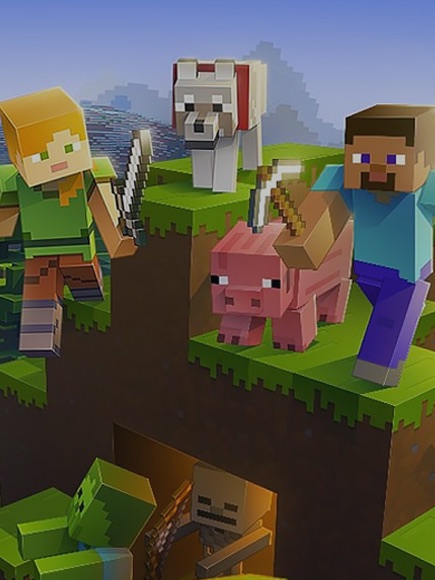
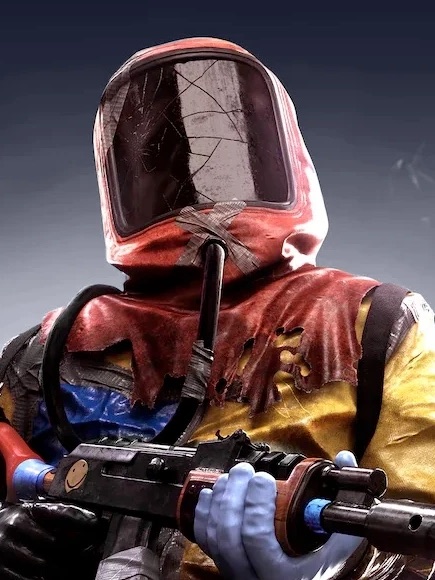
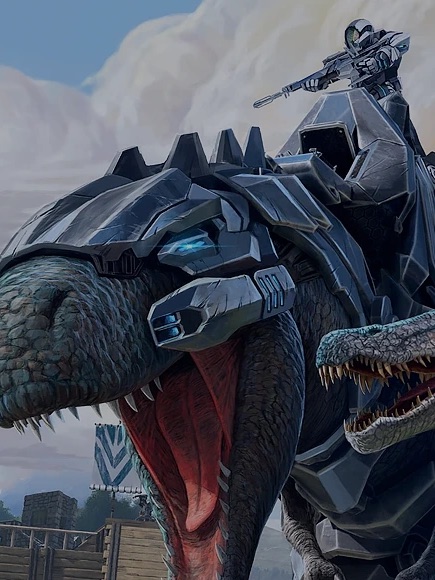
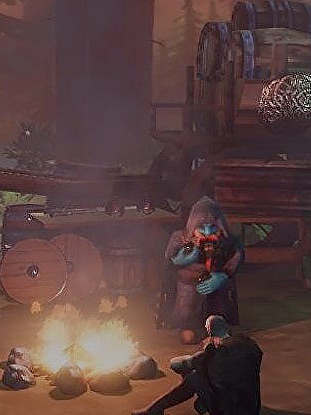
If a game supports mods, we likely have a mod installer for it. Minecraft alone has 9,500+ modpacks, and Rust, ARK, Valheim and more have their own libraries. Pick one and it installs for you.
Plugins
One-click plugin installs
Browse plugins and add-ons inside the panel and add one with a single click. Updating and removing them is as easy.
Your team
Access control
Invite friends, moderators and co-owners, and choose what each of them can do on your server.
Your address
Custom subdomains
Give your server an address your players can remember. Set it up yourself in seconds, with no ticket to open.
Players
Whitelist management
Add and remove players from your whitelist in the panel, without typing a command.
Files
A simple file manager
Open, edit, upload and download your server files in the browser. Full access is there when you want it.
Instances
Many setups, one server
An instance is a separate copy of your game with its own version, mods, worlds and settings. Keep a survival world, a modpack and a test build side by side on the same server.
Switch between them whenever you like. Each one is exactly as you left it.
- Run different versions or modpacks without a second server
- Try an update on a copy before your players see it
- Switch back and forth in a click
Instances
Players join "Survival with friends" at the same address.
Location transfers
Move your server yourself
Players moved, or your friends are on another continent? Pick a new location in the panel and your server moves there automatically.
There is no ticket to open and nobody to wait for. Your worlds, files and settings come with you.
- Choose any of our locations, including the one closest to you
- The transfer runs on its own
- Help yourself, any time of day
Server location
Online in Germany. Worlds, files and settings are all there.
Built player-first
We play on these servers too. Every screen in the panel is there because a player or a server owner needed it.
Fast
Pages open at once and actions run straight away. You spend your time playing, not waiting on a loading bar.
Clear
Plain words, sensible defaults and one obvious place for each task. New owners find their way without a guide.
Yours to control
Subdomains, transfers, instances and access are all self-serve. You never wait on us to change your own server.
Cared for
Our own team builds the panel and answers support 24/7, so what customers ask for goes straight into it.
Control panel FAQ
Have your own question? Ask us.
Yes. Every RAMShard game server comes with the control panel at no extra cost.
No. Common settings have switches and menus in the settings editor. The file manager is there if you want to edit a file directly.
An instance is a separate setup of your game on the same server, with its own version, mods, worlds and settings. You can keep several and switch between them.
Yes. Invite friends or staff with access control and choose what each person can do.
Yes. Choose a new location in the panel and the transfer runs automatically. You do not need to contact support.
Yes. Set up a custom subdomain for your server yourself in the panel.
Try it on your own server
Pick a game, choose a plan and be in the panel in about a minute.