


- Survival
- Version 1.0
- Crossplay
- Up to 10 players
ValheimServer Hosting
Give your Viking crew a world that stays online whether or not its founder is playing. Up to 10 players build, sail and fight together, joining from PC or console once crossplay is switched on.
- Instant setup
- DDoS protection
- 24/7 support
- Full file access
- NVMe SSD storage
- 3 day money-back
Starting at €9.11 EUR/month
Pick your Valheim server plan
Server location
Nearest to you
- Common
- Most popular

- Best value

Secure and trusted payments
Server locations around the world
Pick the location closest to your players for the lowest latency. Test your ping from this browser to each of our data centers and see the hardware behind every one.
- Locations
- 16+
- Top CPU clock
- 5.7 GHz
- Support
- 24/7

North America
Virginia
Your ping
- Processor
- AMD EPYC 4465P
- Max clock
- 5.40 GHz
- Memory
- DDR5
- Network port
- 1-10 Gbps
Your ping
Your ping test starts in a moment.
North America
South America
Europe
Asia Pacific
Everything Your Valheim Server Needs
Your crew will put months into one world. Valheim server hosting from RAMShard backs that world with fast hardware, a protected network and a team on call, on every plan.
Network
Always-on DDoS Protection
A longhouse takes weeks to raise, and an attack on your server can lock the whole crew out of it. We filter attack traffic before it reaches your server, on every plan, at every hour.
Hardware
NVMe SSDs
Valheim saves the whole world on a timer: every beam, chest and portal your crew has placed. NVMe drives write those saves quickly, however large the world has grown.
Hardware
AMD Ryzen and EPYC Processors
Raids on the base, storms at sea and ten Vikings in ten different places keep a server busy. AMD chips clocked at up to 5.7 GHz carry that load.
Support
Support Around the Clock
Stuck on a mod that refuses to load, or a world upload that went wrong? Send a ticket or open live chat at any hour and our team will help. Step-by-step guides walk you through the usual jobs.
Panel
Automatic Tasks
Schedule a restart for the hours when your crew sleeps and the panel runs it every time. You set a task once and it repeats without you.
Panel
Bring In Your Crew
Give a crewmate you rely on access to the control panel so they can restart the server or change a setting while you are away. You decide what each person can do.
Network
Automatic Failover
When a machine breaks down, your server starts again on a healthy one and nobody has to file a ticket. The crew logs back in to the same world.
Network
Low Latency Routes
Blocking and dodging in Valheim come down to timing. Your crew's traffic travels over routes we manage and tune for speed. Choose the data center closest to most of you and ping stays low.
Valheim dedicated servers
Why rent a Valheim dedicated server?
Valheim lets any player host a world from their own game, and that world goes offline the moment the host quits. A Valheim dedicated server keeps it running around the clock, so anyone in the crew can log in, tend the farm or sail out, whoever else is online.
The world outlasts the host
The world lives in a data center, so no single PC has to stay on. Early risers and night owls play the same save at their own hours.
Ten Vikings, any platform
Valheim supports 1 to 10 players in a world. With crossplay switched on, friends on PC, Mac, Xbox, PlayStation 5 and Nintendo Switch 2 can share one server.
Your world, your rules
Pick a preset from Casual to Hardcore, or tune combat, death penalty, resources, raids and portals one by one. Set a password and choose who holds admin rights.
Mods
Modded Valheim server hosting with BepInEx
Valheim sends your crew to explore, sail, craft and build across a world inspired by Viking culture. Iron Gate does not support mods officially, yet the community keeps making them. Your server can run them because you have full access to its files.
How to make a Valheim server
- Choose a plan by the number of Vikings in your crew.
- Select the data center closest to them.
- Pay, and your server is created straight away.
- In the control panel, set the server's name, its world name and a password.
- Start the server and send its address to your crew.
How to connect to your Valheim server
- Open Valheim, choose Start Game and pick your character.
- Open the Join Game tab and select Add server.
- Enter your server's address and port, for example
203.0.113.10:2456. - Connect, then type the server's password.
Console players, and PC players outside Steam, can connect only when the server has crossplay switched on.
How to move your Valheim world to a server
- On your PC, open Valheim's save folder. On Windows it is
AppData\LocalLow\IronGate\Valheim. - Search that folder for the files that carry your world's name.
- Stop your server and upload those files to the folder where it keeps its world.
- Set the server's world name to exactly the same name.
- Start the server and log in to check your base.
Begin with a world saved on a computer: Valheim does not sync saves from PlayStation or Switch.
How to add admins and ban players
The server's save folder holds adminlist.txt, bannedlist.txt and permittedlist.txt. Each takes one platform user ID per line, such as Steam_76561198000000000.
- Ask the player to join, then read their ID from the server log or from the F2 panel in game.
- Add the ID to
adminlist.txtand save the file. - Admins press F5 to open the console, and use the
kick,banandunbancommands.
Once permittedlist.txt holds an ID, the server turns away everyone who is not on it.
BepInEx loads the mods
BepInEx is a community mod loader that many Valheim mods depend on. Install it on the server first, then add the mods built for it.
Who installs what
Read each mod's page before you add it. A mod may need every player to install it too, at the same version as the server. Console players cannot install mods at all.
Patches can break mods
Iron Gate warns that a game update may stop a mod working. Back up your world before you add or update mods, and give mod authors time to catch up after a patch.
What our customers say
We’re rated excellent or 4.3/5.0 based on over 435+ reviews at
- June 14th
Great host! “ I've been with this host for a little over 7 months now. Support is given almost instantly. Max I ever waited was 30(ish) minutes. ”
- Daniel Ramirez
- May 20th
Excellent and easy to use host “ Excellent service, really quick and easy to set up with lots of options and systems that really take the hassle out of hosting a server. ”
- Reece Cooper
- May 5th
I LOVE using RAMShard! “ I very much LOVE using RAMShard. It's efficient, easy to use, and the staff is extremely helpful! ”
- Cole Spencer
Looking for more customer reviews?
Read More »FAQ
Have your own question? Ask us.
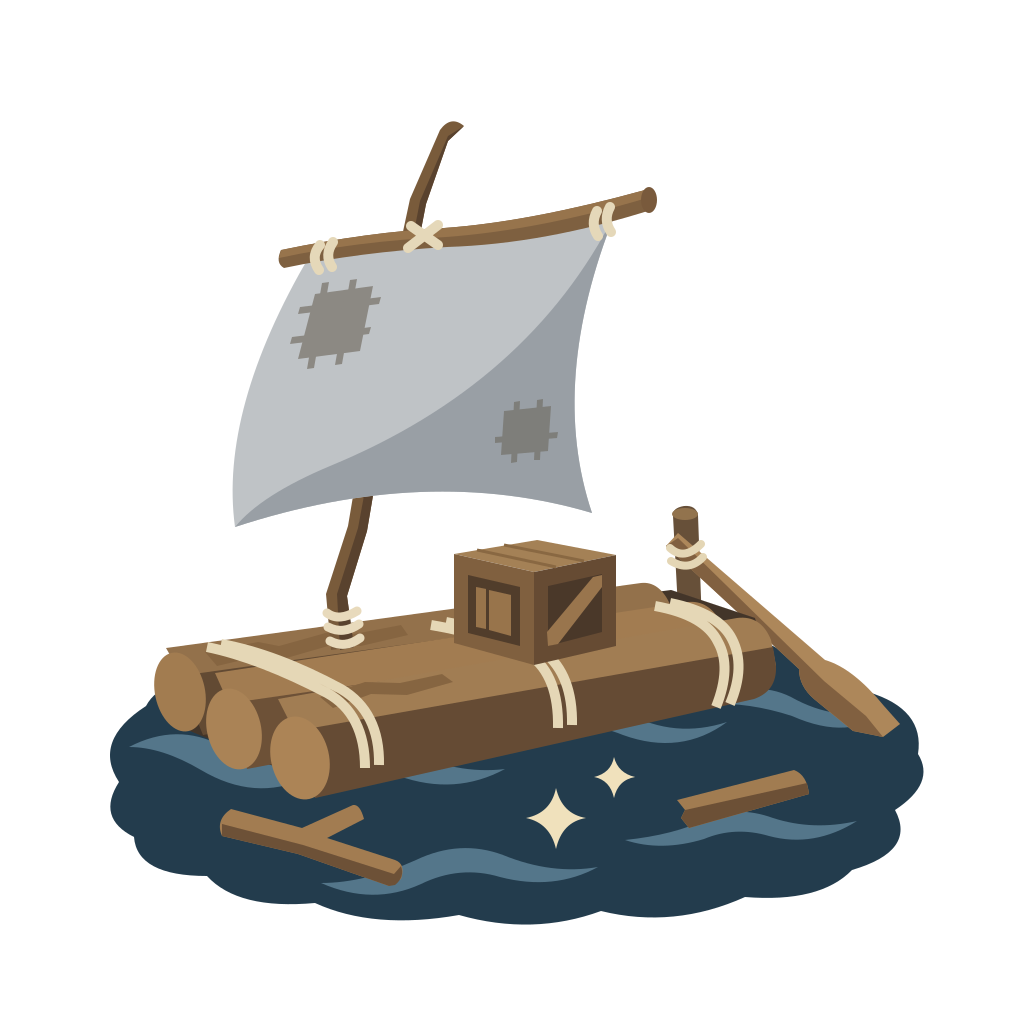
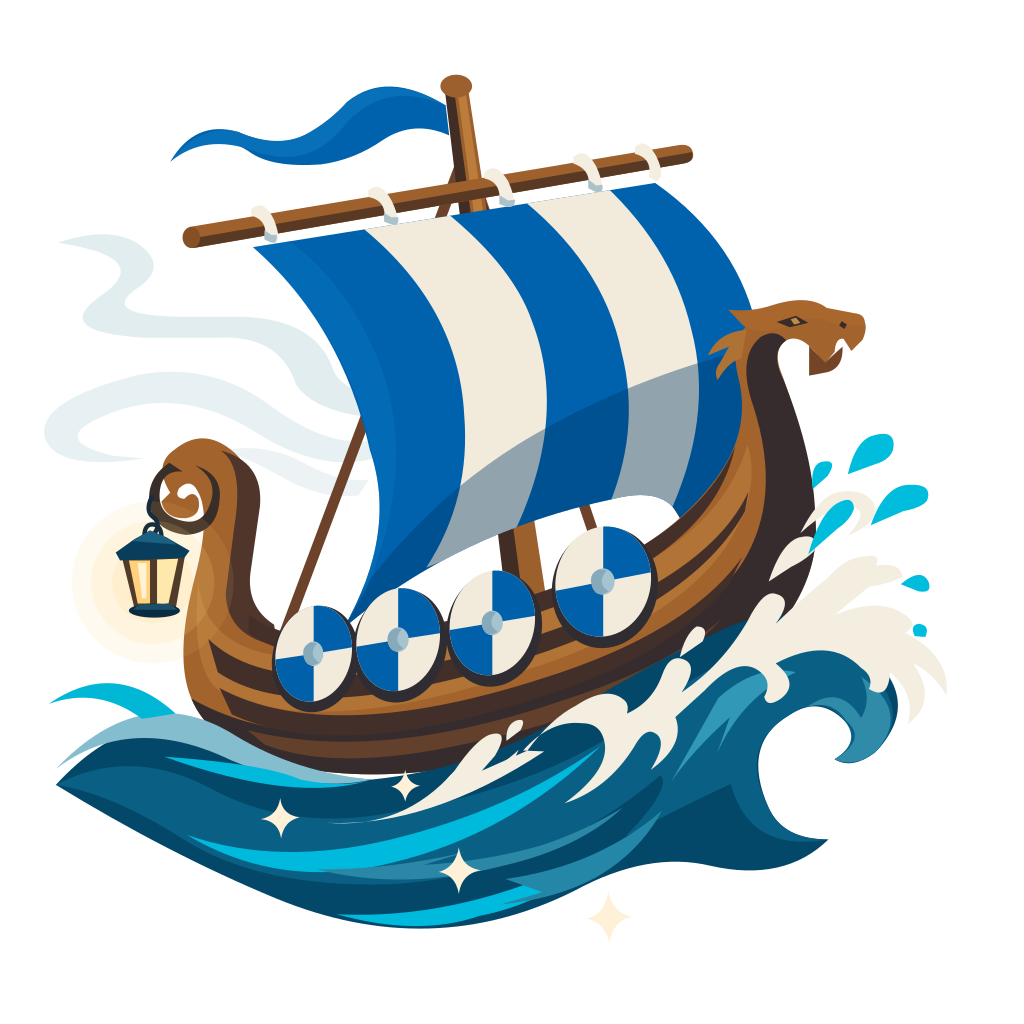
Valheim supports 1 to 10 players in one world, and a dedicated server has the same limit. Raft suits a crew of up to 4, Karve up to 7 and Longship the full 10. You can move to a larger plan later and keep your world.
The three plans and their monthly prices sit at the top of this page. Every price includes the server, DDoS protection and support, and there is no setup fee. Quarterly and annual billing bring the monthly cost down.
Yes. Valheim has crossplay between all of its platforms: Steam, the Mac App Store, the Microsoft Store, Xbox, PlayStation 5 and Nintendo Switch 2. The server needs its crossplay option switched on, and each player needs crossplay enabled in their own game. Without it, only Steam players can connect.
In Valheim, choose Start Game, pick a character and open the Join Game tab. Select Add server, enter your server's address and port, then type the password. A public server is also listed by name.
Yes. You have full access to your server's files, so you can upload a world saved on your computer and carry on where you stopped. The steps are in the "How to move your Valheim world to a server" panel above.
No. Iron Gate says worlds from Early Access keep working and receive the new content. New terrain appears only in areas nobody has explored yet, which is why the studio still recommends a fresh start for the best experience.
Yes. With full file access you can install BepInEx and the mods that depend on it. Valheim has no official mod support, so check that each mod works with the current game version. Console players cannot install mods.
Yes. A server accepts a preset (Normal, Casual, Easy, Hard, Hardcore, Immersive or Hammer) and separate modifiers for combat, death penalty, resources, raids and portals. Extra keys switch on options such as playing with no map or with passive enemies.
Yes, with Iron Gate's dedicated server tool, which sits in the Steam library under Tools. Your PC must stay on for the world to be online, and for Steam players to reach it you forward ports 2456 and 2457 on your router. A rented server runs in a data center all day, and you manage it from a control panel in your browser.
Yes. Reach our support team by ticket or live chat at any hour. The knowledge base also has step-by-step guides for the jobs most owners need.
You are covered by a 3 day money back guarantee. Get in touch within 3 days of your payment and we refund it in full.
Visa, Mastercard, American Express, PayPal, Apple Pay, Google Pay and Link.
Need a different game?
Choose from our list of games below.



