How to Change Your Minecraft Server Version
Switch your server to another Minecraft version or server type, such as Paper or Forge.
Updated 1 min read
You can move your server to a newer Minecraft version, or to another server type such as Paper, Forge or Fabric.
Before you start
Take a backup first. A world opened in a newer version cannot be opened in an older one. See How to Create and Restore Backups.
Change the version
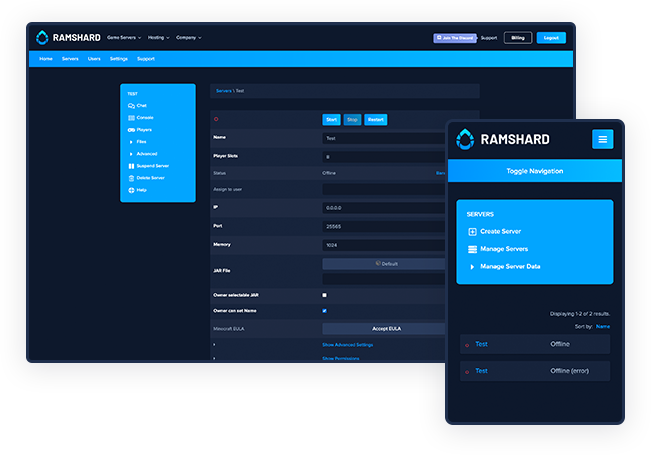
- Log in to the control panel and stop your server.
- Open the Version page.
- Pick the server type, then the Minecraft version.
- Save, then start the server.
Which server type to pick
| You want | Pick |
|---|---|
| Plugins | Paper or Purpur |
| Mods | Forge, NeoForge or Fabric |
| The game as Mojang ships it | Vanilla |
Plugins and mods need different server types. A plugin will not load on Forge, and a mod will not load on Paper.