How to Install a Modpack on Your Minecraft Server
Install a modpack from the control panel in one click and get your players connected.
Updated 1 min read
A modpack is a set of mods built to work together. The control panel installs the server side of a pack for you.
Install the modpack
- Take a backup. Installing a modpack replaces the server's files.
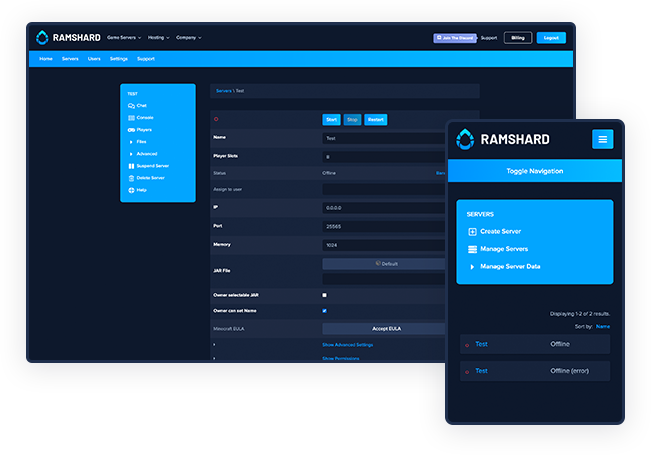
- Log in to the control panel and open Modpacks.
- Search for the pack, for example All the Mods 10.
- Press Install and wait for the bar to finish.
- Start the server. The first start takes longer while the pack builds its world.
Browse the packs we support on the modpacks page.
Connect to the server
Every player needs the same modpack, at the same version, on their own computer. Install it with a launcher such as CurseForge or Prism, then join the server as usual.
How much memory a modpack needs
Large packs need more memory than vanilla Minecraft. If the server stops during startup, check the pack's page for its recommended memory and compare it with your plan.