How to Join Your Minecraft Server
Find your server address and connect from Minecraft: Java Edition.
Updated 1 min read
Your server has an address that you and your friends type into Minecraft. This guide shows you where to find it and how to connect.
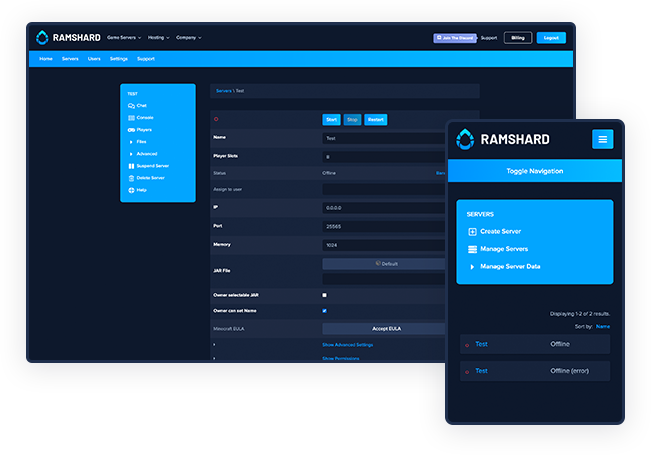
Find your server address
- Log in to the control panel and open your server.
- Copy the Server Address shown at the top of the page. It looks like
play.example.com:25565.
Connect from Minecraft
- Open Minecraft: Java Edition and choose Multiplayer.
- Press Add Server.
- Paste the address into Server Address and give the server a name.
- Press Done, then double-click the server in the list.
If you cannot connect
- Check the version. Your game must run the same Minecraft version as the server. See How to Change Your Minecraft Server Version.
- Check the server is online. The control panel shows the server's state at the top of the page.
- Check the whitelist. A whitelisted server only lets in players on its list. See How to Turn On the Whitelist.